HARDWARE INSTALLATION
43
Note:
A cable for the global indicator comes with your computer sys-
tem. Cables for the individual drive LEDs may come with a drive
cage, or you may need to purchase them.
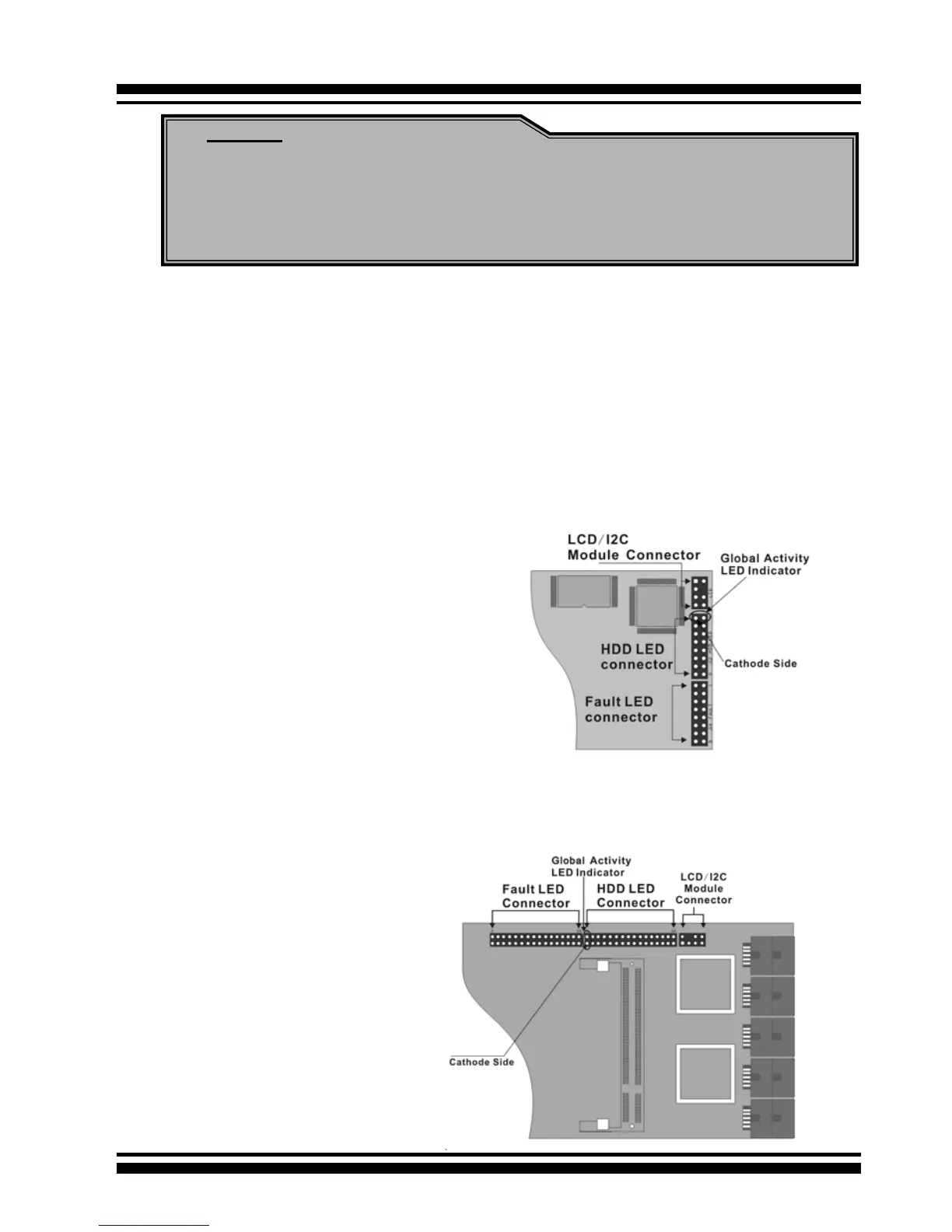
Figure 2-16, ARC-
1110/1120/1210/1220
global LED connection
for Computer Case.
Figure 2-17, ARC-
1130/1160/1230/1260
global LED connection
for Computer Case.
A: Global Indicator Connector
If the system will use only a single global activity indicator, attach
the LED to the rst two pins of the connector. The following dia-
grams show the connector and pin locations.



 To Next Page