35
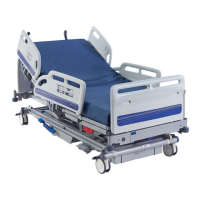
Citadel Bed Frame System
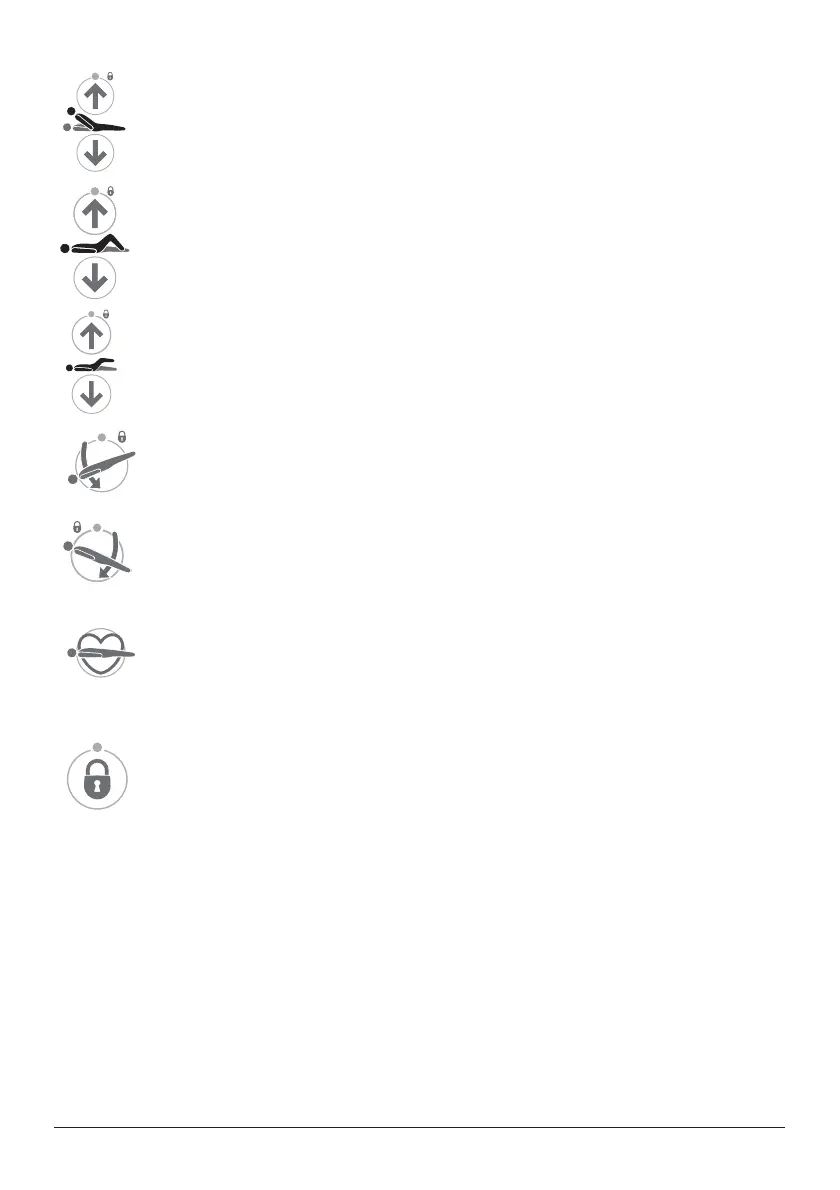
Backrest Angle - These buttons raise and lower the backrest. The
backrest will pause when it reaches an angle approximately 30º above the
horizontal.
Thigh Section - These buttons raise and lower the thigh section. When the
WKLJKVHFWLRQLV¿UVWUDLVHGIURPWKHÀDWSRVLWLRQWKHFDOIVHFWLRQZLOOEHLQ
the fowler position (angled downwards).
Calf Section - These buttons raise and lower the calf section.
Trendelenburg - This button lowers the head end of the deck
(Trendelenburg position). When returning from a tilted position, the deck will
pause at the level (no tilt) position.
Reverse Trendelenburg - This button lowers the foot end of the deck
(reverse Trendelenburg position). When returning from a tilted position, the
deck will pause at the level (no tilt) position.
CPR Position3UHVVDQGKROGWKH&35EXWWRQWRÀDWWHQWKHGHFNDQG
lower it if necessary) to enable cardio-pulmonary resuscitation to be
performed.
The CPR button overrides all lockout settings.
Function Lockout - Function lockout can be used to prevent operation of
the controls.
To lock (prevent) or unlock (allow) functions:
• Press the Function Lockout button. The indicator above the button will light.
• Press the ACP button(s) corresponding to the function(s) to be locked or
unlocked. The lock indicator LED above each function button shows its current
status:
• LED on = function locked
• LED off = function unlocked.
• When all functions are locked or unlocked as required, press the Function
/RFNRXWEXWWRQDJDLQRUZDLWIRU¿YHVHFRQGV7KHLQGLFDWRU/('DERYHWKH
Function Lock button will turn off and the lockout settings are stored.



 To Next Page