43
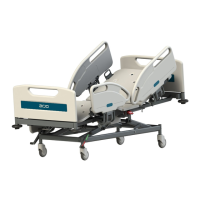
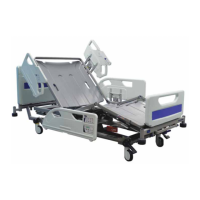
Citadel Bed Frame System
VariZone Patient Movement / Exit Detection
The patient movement detection function should be checked
periodically for correct operation and before each new patient uses
WKHEHG
Mattresses that are not approved by Arjo should be validated by the
XVHUWRPDNHVXUHFRUUHFWRSHUDWLRQZLWKWKH9DUL=RQHV\VWHP
The patient movement detection system can be set to alarm when undesired
movement of the patient occurs. The sensitivity of the patient movement detection,
relative to the center of the deck, can be varied incrementally.
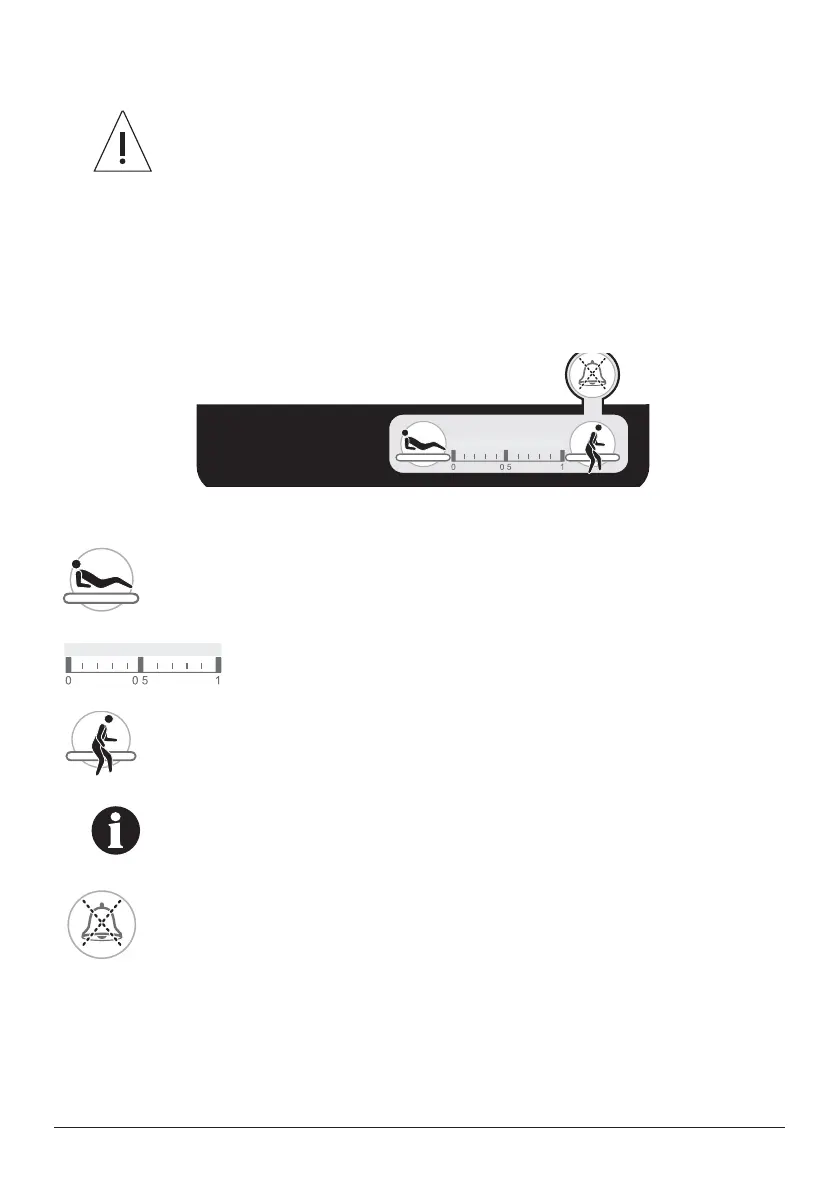
The controls for the patient movement detection system are located on the foot end
split side rails.
)LJXUH3DWLHQWPRYHPHQWGHWHFWLRQFRQWUROV
In Bed - this button activates / deactivates patient movement detection and
increases the sensitivity of the system.
Patient Movement Detection Threshold Display - an indicator
shows the current system status and the selected sensitivity of
patient movement detection.
Egress - this button activates / deactivates patient movement detection and
decreases the sensitivity of the system.
$GMXVWLQJWKHGHFNSUR¿OHZKLOHSDWLHQWPRYHPHQWGHWHFWLRQLV
active can trigger an alarm if patient movement detection is set
to a high sensitivity.
VariZone Mute Button - When the VariZone alarm is triggered, pressing
the mute button will silence the audio portion of the alarm for three minutes.
When the VariZone alarm is triggered and is muted, adding the patient
weight +/- 10% back onto the bed will clear the alarm and re-enable
VariZone to the last VariZone setting.
.
.



 To Next Page