38
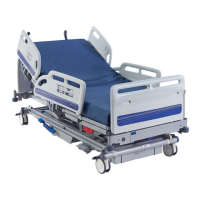
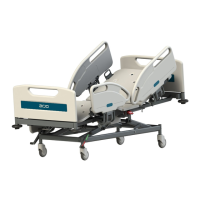
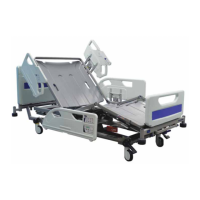
Citadel Bed Frame System
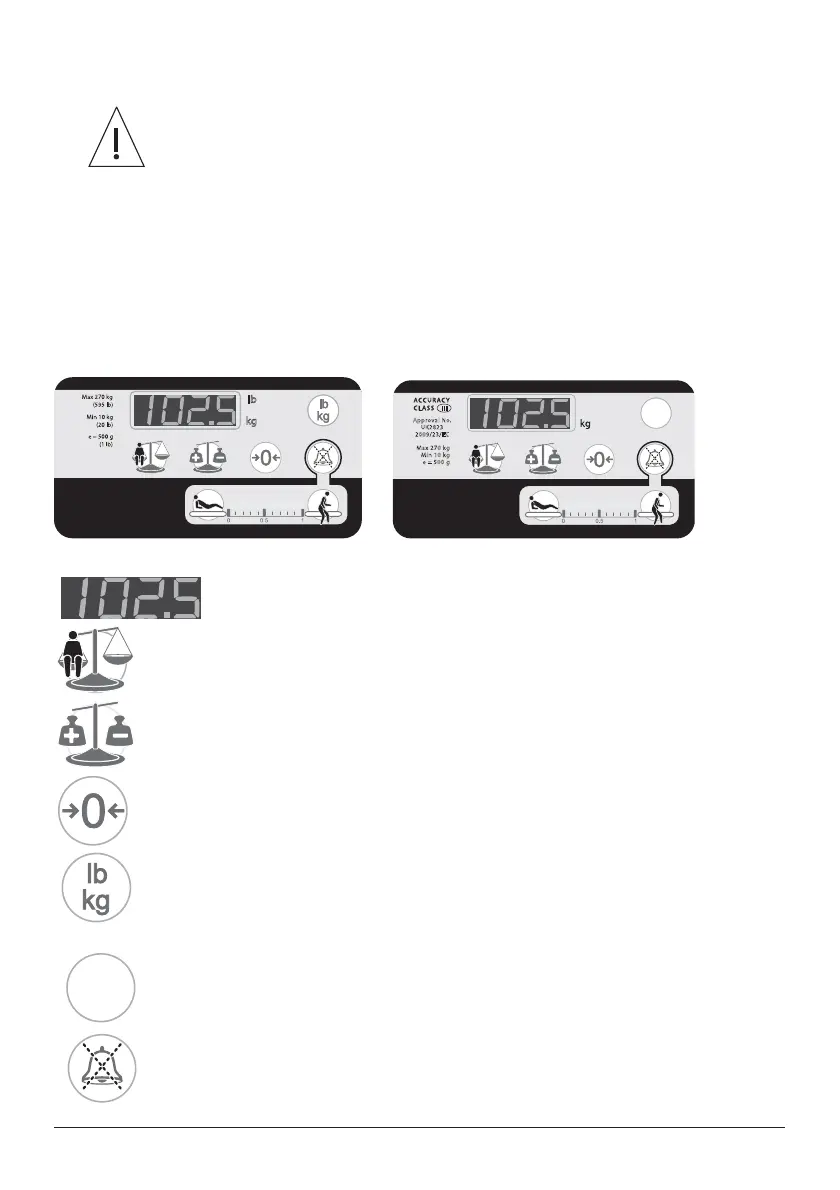
Weigh Scale Panels (With and Without Unit Selection)
7KHZHLJKLQJV\VWHPLVLQWHQGHGWRSURYLGHUHIHUHQFHGDWDRQO\
Be aware that scale readings may be affected by several factors,
LQFOXGLQJEXWQRWOLPLWHGWRLPSURSHU]HURLQJHTXLSPHQWDGGHGRU
removed without proper use of AutoComp, lack of regular scale
FDOLEUDWLRQDQGLQDSSURSULDWHXVHQRWLQOLQHZLWKXVHULQVWUXFWLRQV
The weighing system should only be used by staff trained in the
FRUUHFWXVHRIWKHZHLJKLQJIXQFWLRQ
The weighing system should only be used in closely supervised
HQYLURQPHQWVZKHUHIDFWRUVLQÀXHQFLQJSDWLHQWZHLJKWVXFKDV
additions to the bed) can be controlled as described in the following
LQVWUXFWLRQVIRUXVH
.
)LJXUH:HLJK6FDOH3DQHOV'HSHQGHQWRQFRXQWU\
Display - indicates the patient’s weight. It can also be used to show
other information. Example: bed section angles and error codes.
Weigh - This button is used to calculate and display the current patient
weight. Weight is displayed for 10 seconds after a button press.
Auto Compensation (tare) - This button allows items to be added to or
removed from the bed without affecting the indicated patient weight.
Zero7KLVEXWWRQLVXVHGWRUHVHWWKHZHLJKLQJV\VWHPZKHQWKHEHGLV¿UVW
set up and before a new patient is placed on the bed.
Select Units - If available, this button will change the weight readings to
either pounds or kilograms. An indicator next to the display will light to show
the selected units (lb or kg).
Select Weight Display - If available, this button allows the patient weight to
be displayed rounded to the nearest 100g or 500g.
VariZone Mute Button - This button will mute the bed exit alarm for three
minutes.
100
500
Approval No.
UK2823
2009/23/EC
Max 270 kg
Min 10 kg
e = 500 g
100
500



 To Next Page