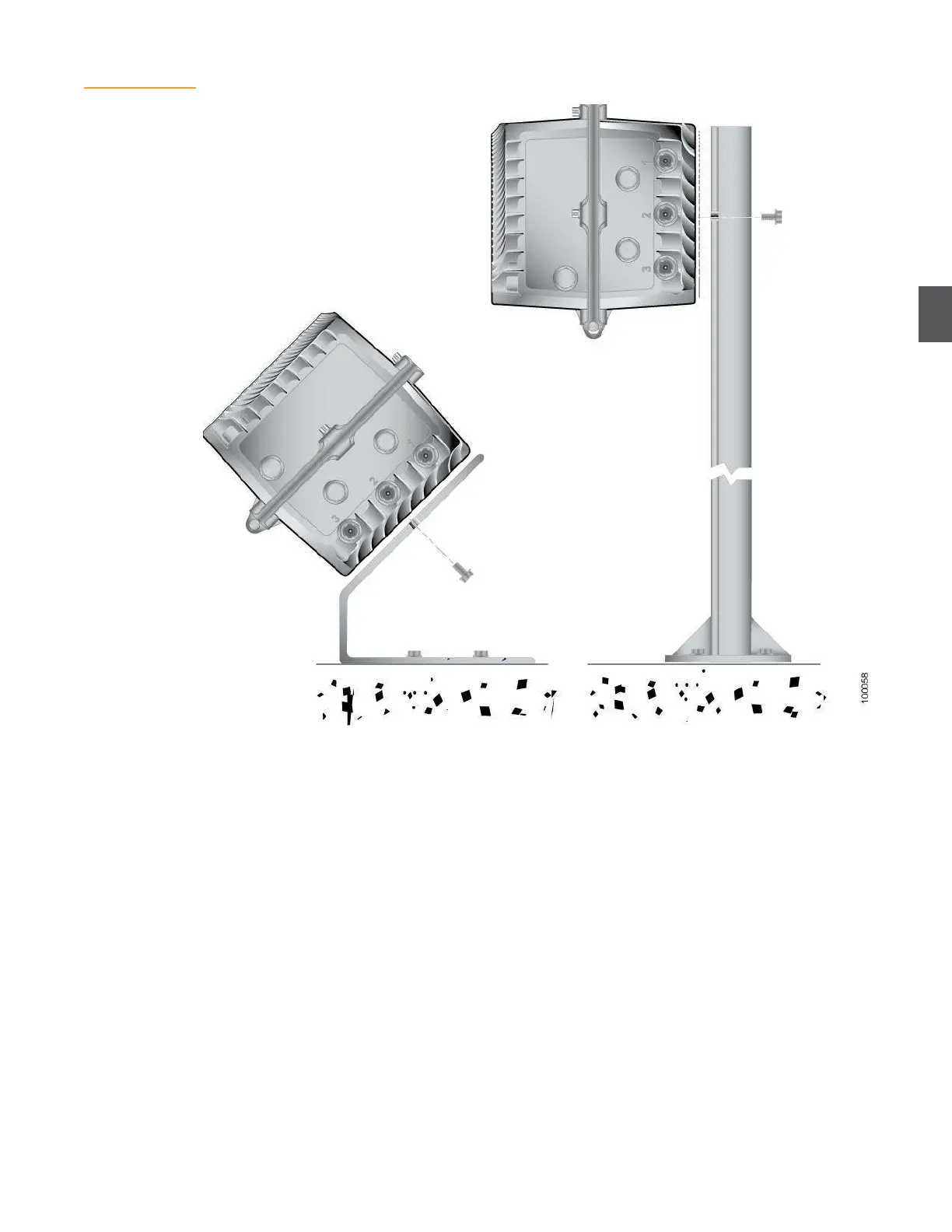
Figure 4.2
Pedestal or Surface
Mounting
4.1.3
Wall Mounting
To mount the NC4000 to a wall using the HB4003 mounting brackets (available from ARRIS):
1.
Place the NC4000 on a stable work surface with the base facing up and the RF connectors
at the bottom (see Figure 4.3).
2.
Using a ½-inch wrench, remove the two mounting bolts and flat washers from the base
housing. The mounting bolts are on the left side of the node as shown in Figure 4.3,
opposite the hinges. You will use these bolts and flat washers to attach the brackets to the
NC4000.
3.
Position one of the HB4003 mounting brackets on the NC4000 base with the part number
facing up. The narrow portion of the keyhole cutouts must be facing up, away from the RF
port end of the base. Ensure that the two tangs on the bottom side of the bracket fit
between the heat dissipation fins. Slide the bracket until the center hole in the bracket lines
up with the threaded hole in the base.
4.
Install one of the mounting bolts and flat washers (removed in Step 2) to secure the
bracket in place. Tighten the bolt finger tight.
5.
Install the second bracket, repeating Step 3 and Step 4.


 To Next Page