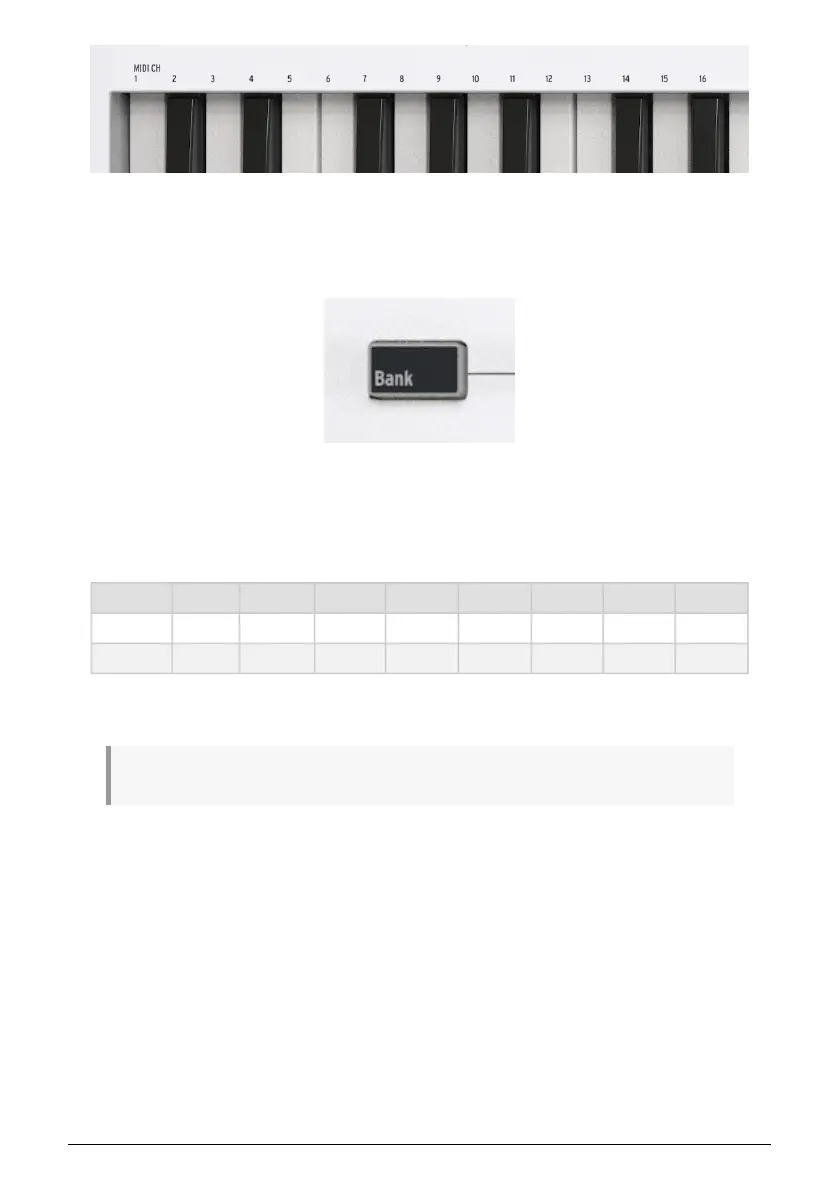
The MIDI channel numbers are printed on the front panel for easy reference.
4.3. Bank
KeyLab Essential has 8 Pads that allow you to conveniently play MIDI notes or drum sounds.
While only 8 pads may seem a bit meager, you can actually use 2 banks. This enables you
to play/trigger a total of 16 (8 + 8) notes.
By default, Bank 1 plays MIDI notes 36 (C1) to 43 (G1). Bank 2 plays 44 (G#1) to 51 (D#2).
Pad Bank 1 2 3 4 5 6 7 8
A 40 (E1) 41 (F1) 42 (F#1) 43 (G1) 36 (C1) 37 (C#1) 38 (D1) 39 (D#1)
B 48 (C2) 48 (C#2) 50 (D2) 51 (D#2) 44 (G#1) 45 (A1) 46 (A#1) 47 (B1)
You can switch between Bank 1 and 2 by pressing the Bank button. While doing so, the
Display confirms what Bank is currently selected.
! When Bank B is selected, the Bank button shines brighter.
10 Arturia - User Manual KeyLab Essential mk3 - KeyLab Essential operations



 To Next Page