4.12.2. Entering and leaving Arpeggio Edit
You enter the Arpeggio Edit pages by long-pressing the Arp button.
You leave Arpeggio Edit by pressing the leftmost contextual button (under the down-left
pointing arrow).
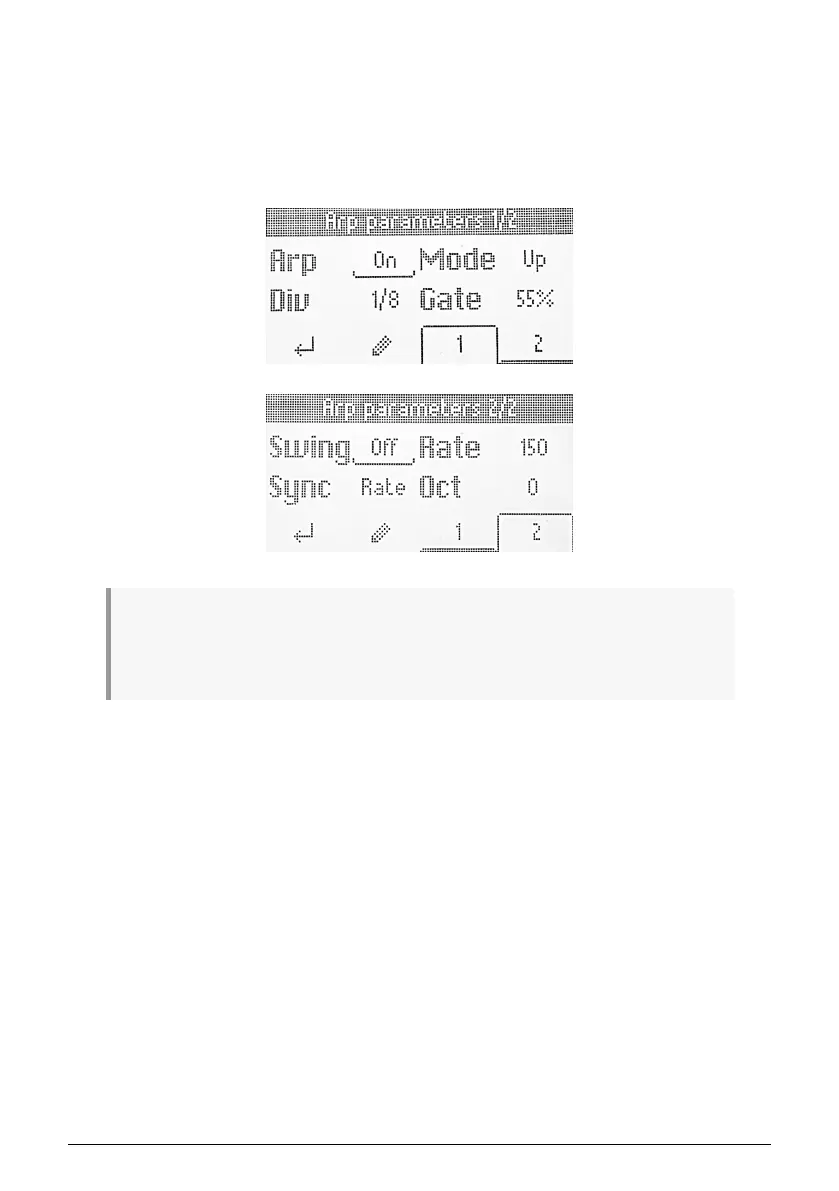
When in Arpeggiator Edit, the display will always show this:
! The Arpeggio Play state (whether the arpeggiator is running or not) and the Arpeggio Edit
status (where you tweak the arpeggiator's behavior) are somewhat independent of each other, i.e. the
Arpeggiator doesn't automatically start just because you enter the Arpeggiator Edit pages. Also, quitting
Arpeggio Edit doesn't turn off the Arpeggiator.
Arturia - User Manual KeyLab Essential mk3 - KeyLab Essential operations 25



 To Next Page