4.13. Tap Tempo
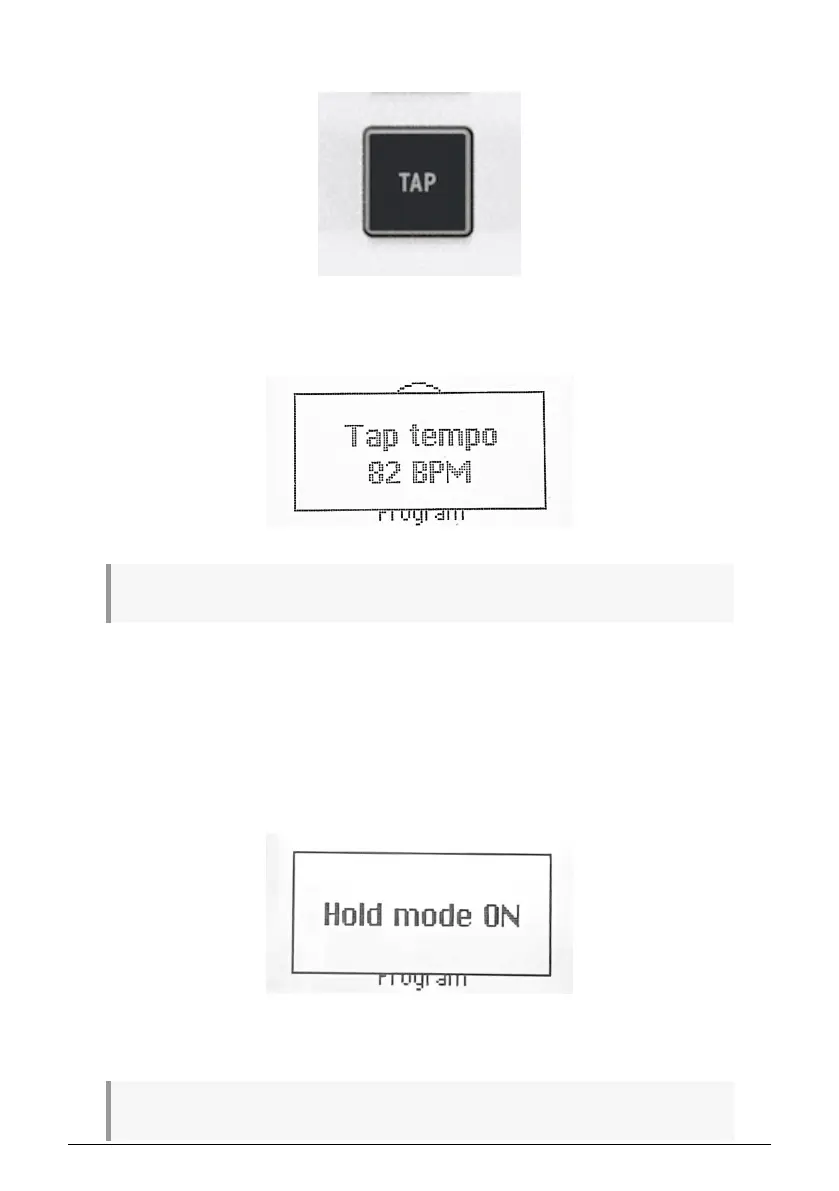
Tap Tempo lets you set KeyLab Essential’s internal clock for the Arpeggiator by tapping in a
beat. If performing with bandmates that include a live drummer — or drum machine that’s
not MIDI’ed or synced to anything — this lets you sync up KeyLab Essential by ear.
♪ The more times you tap, the better the clock will match whatever beat is in the air.
4.13.1. The Arpeggiator, Chord Mode, Scale Mode, and Hold
Mode
Chord Mode interacts with the Arpeggiator. If both are turned on, the Arpeggiator plays the
notes in the memorized chord, applying all of the other settings such as Mode, Division, etc.
Chords can also be scaled and fed into the Arpeggiator.
Scale interacts in a similar way, as the arpeggiated notes based on the chord will be
quantized to the selected scale.
Now, engage Hold, and you can change the musical key of the Arpeggiator by striking single
notes, setting your hands free to tweak other things in your session!
! Remember that Hold can be activated by its own for long evolving pads, for instance.
Arturia - User Manual KeyLab Essential mk3 - KeyLab Essential operations 31



 To Next Page