This menu has four options.
• Types: Takes you to to the Types menu
• Validate part or Remove part: Validates or Removes a part (if no preset is loaded)
• Browse Up: Scrolls backwards in the preset list and loads the preset
• Browse Down: Scrolls forward in the preset list and loads the preset
To select a preset, and to be able to listen to it, click on the main encoder.
5.6.2. Editing an Existing Multi Preset
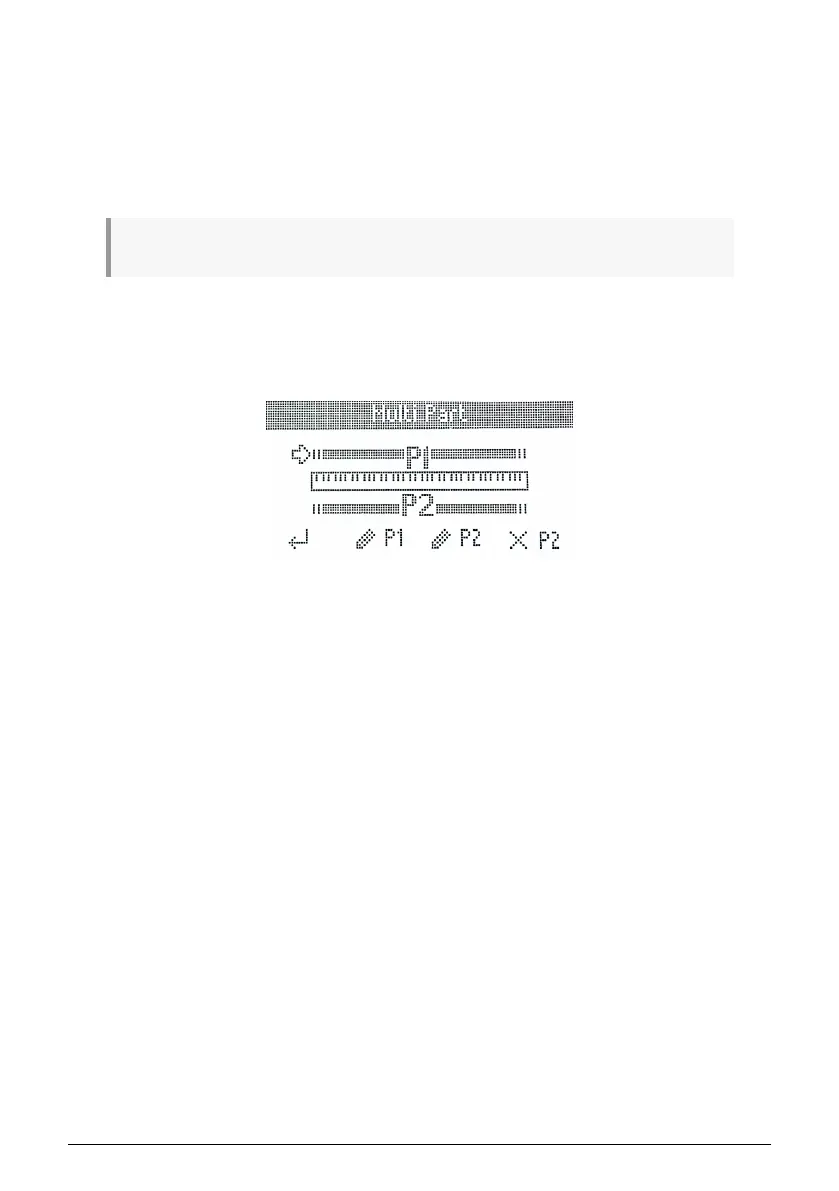
You can also edit a Multi preset that has been loaded in Analog Lab V. To do so, long-press
the Part button, then release it. This takes you to the Multi Part page.
Here you can create Splits by adjusting the split points for part 1 and 2.
Also on this page there a 4 dedicated functions.
• Back: Takes you back to the previous page
• Edit Part 1: Lets you tweak further parameters in part 1
• Edit Part 2: Lets you tweak further parameters in part 2
• Remove Part 2: Removes part 2
40 Arturia - User Manual KeyLab Essential mk3 - KeyLab Essential and Analog Lab V



 To Next Page