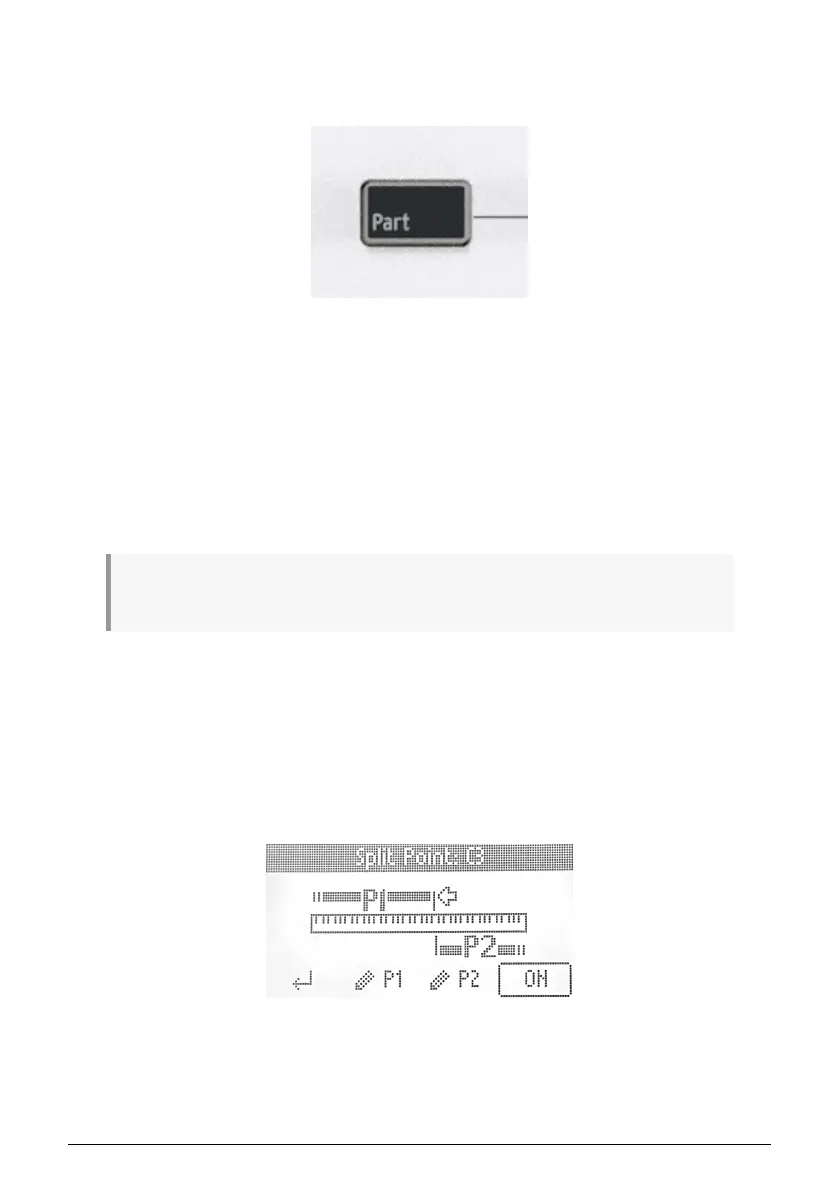
4.8. Part
This section will describe the features found when pressing the Part button.
The Part feature can be used in both User/DAW mode and Arturia mode. However, this
feature works differently in the first case and the second case.
In the first case, the purpose of this feature is to, for example, control different virtual
instruments or hardware products at the same time.
In the second case, the Part feature allows you to control remotely multi presets from
Analog Lab V.
Analog Lab V can, as many other virtual instruments, operate in
Single
and
Multi
mode.
When using a Multi, you will often need greater control over the individual parts, and KeyLab
Essential gives you lots of options here.
To learn more about how to control parts in Analog Lab V, please refer to the Controlling Parts in
Analog Lab V [p.39] section of this manual.
You exit Part mode by pressing the button below On.
Hitting the button below the Return symbol exits the Part section.
4.8.1. Setting Split Points
When first hitting the Part button, the Display will confirm that you're controlling Part 1.
Immediately pressing Part again takes you to Part 2. If no Split Point or Multi is activated,
the Display will invite you to create one or enter the menu.
By long-pressing Part, you will enter edit mode for Part 1 or 2. You can select what part to
edit by selecting one of the P1 and P2 buttons at the bottom of the screen.
On this page, you can also set the Split point. When you rotate the Main Encoder, you skip
through the four edit points:
Arturia - User Manual KeyLab Essential mk3 - KeyLab Essential operations 17



 To Next Page