• Lower limit for Part 1.
• Upper limit for Part 1.
• Lower limit for Part 2.
• Upper limit for Part 2.
You can edit any of those points by rotating to the desired point, then clicking the Main
Encoder and turning it to edit. Clicking again takes you back to select mode.
With this flexible layout, you can easily create overlaps or a very limited note range for any
part. And of course, with both parts covering the same note range, two sounds will play in
unison.
4.8.2. Editing Part 1 and 2
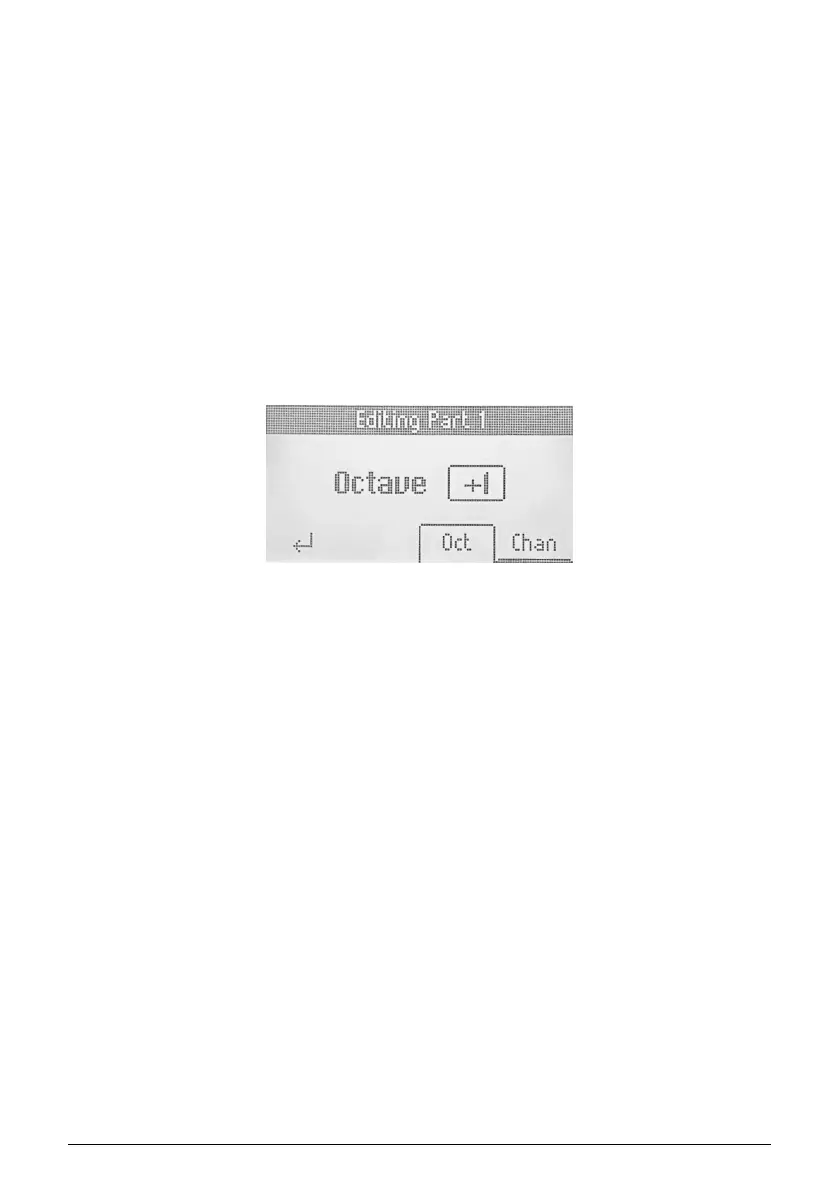
When in Multi or Split Point mode, you can edit Part 1 or 2 by pressing the button below P1
or P2. The heading on the screen will now read
Editing Part 1
(or 2).
By navigating this menu, you now have the option to change octave and MIDI channel for
the parts. Very straightforward.
Hitting the button below the Return symbol takes you back to the Part menu, and a second
press exits the Part section.
18 Arturia - User Manual KeyLab Essential mk3 - KeyLab Essential operations



 To Next Page