4.15. Factory Reset
! This procedure will erase all user presets and device settings and restore them to factory defaults.
Use the MIDI Control Center software to back up your changes first.
To reset the KeyLab Essential to its original factory settings:
1. Unplug the USB-C cable from the back of the keyboard.
2. Hold down the contextual buttons 1 and 2 below the screen.
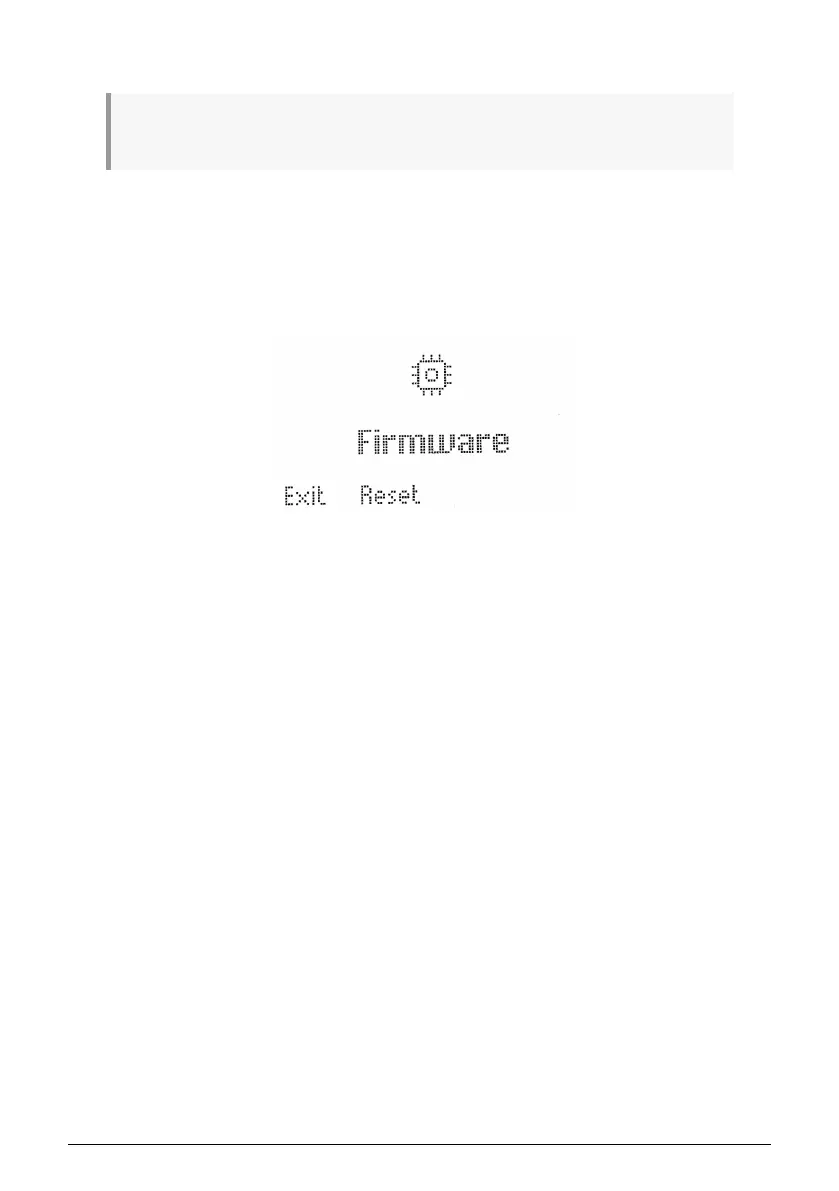
3. Plug the USB-C cable back in and continue to hold the buttons until the screen says
Firmware / Exit / Reset.
4. Release buttons 1 and 2. Press Reset to reset KeyLab Essential to its original factory
settings or press Exit to exit to normal operation.
Arturia - User Manual KeyLab Essential mk3 - KeyLab Essential operations 33



 To Next Page