4.10.2. Creating a Chord
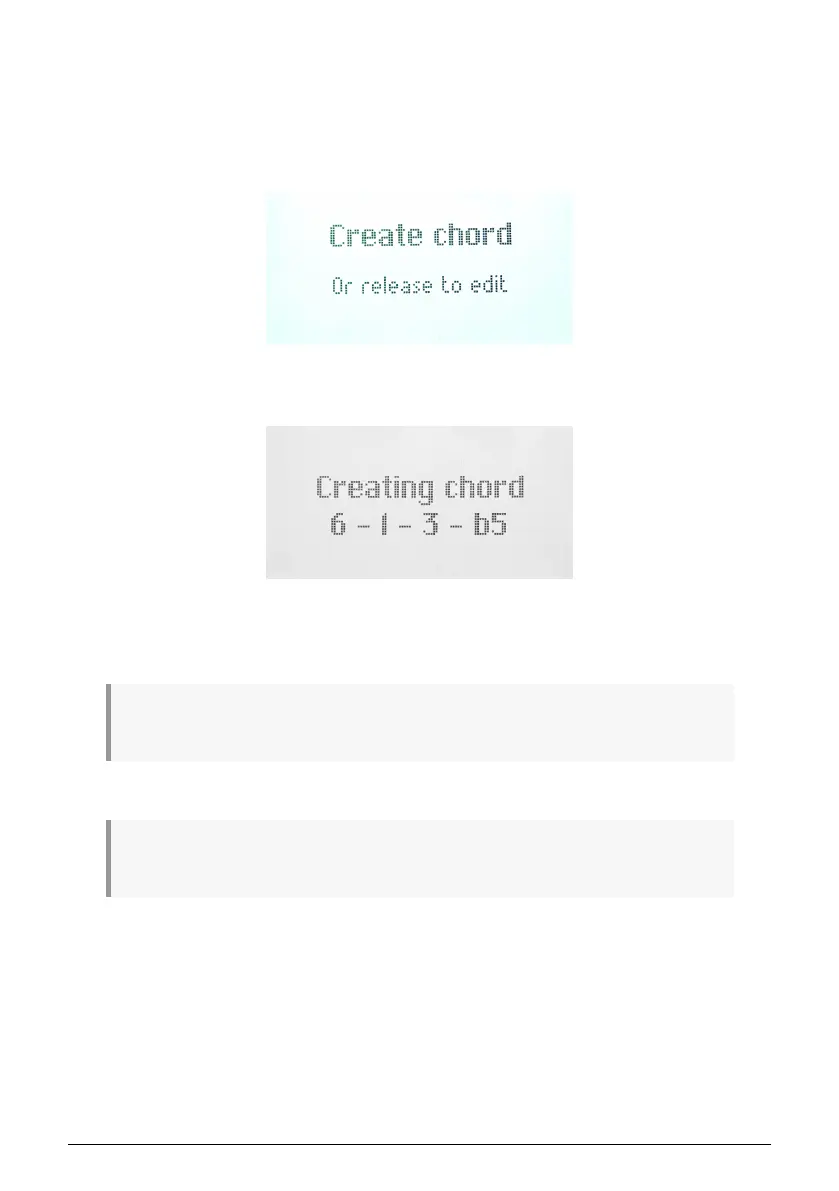
You enter Chord Edit mode by long-pressing the Chord button. Now the text in the Display
says
Create Chord
.
You leave Chord Edit mode by pressing the leftmost contextual button (under the down-left
pointing arrow).
Now, play the chord you want KeyLab Essential to memorize on the keyboard, either all at
once or adding a note at a time. The display shows the following:
Then, release the Chord button. Chord mode is automatically enabled. Your chord is now
memorized and will be retained if you leave Chord Mode and return, and even if KeyLab
Essential is powered off. To overwrite the chord with a new one, simply repeat the process.
! If you want the lowest note in the chord to be the root note (this should be the most common
preference), make sure to play the lowest note before the other notes (when creating a chord).
You exit Chord mode by pressing the Chord button again.
! When Chord is active, the Chord button shines brighter. ! Chord only works in conjunction with the
keys, not the pads.
Arturia - User Manual KeyLab Essential mk3 - KeyLab Essential operations 21



 To Next Page