5.6.4. Controlling Parts
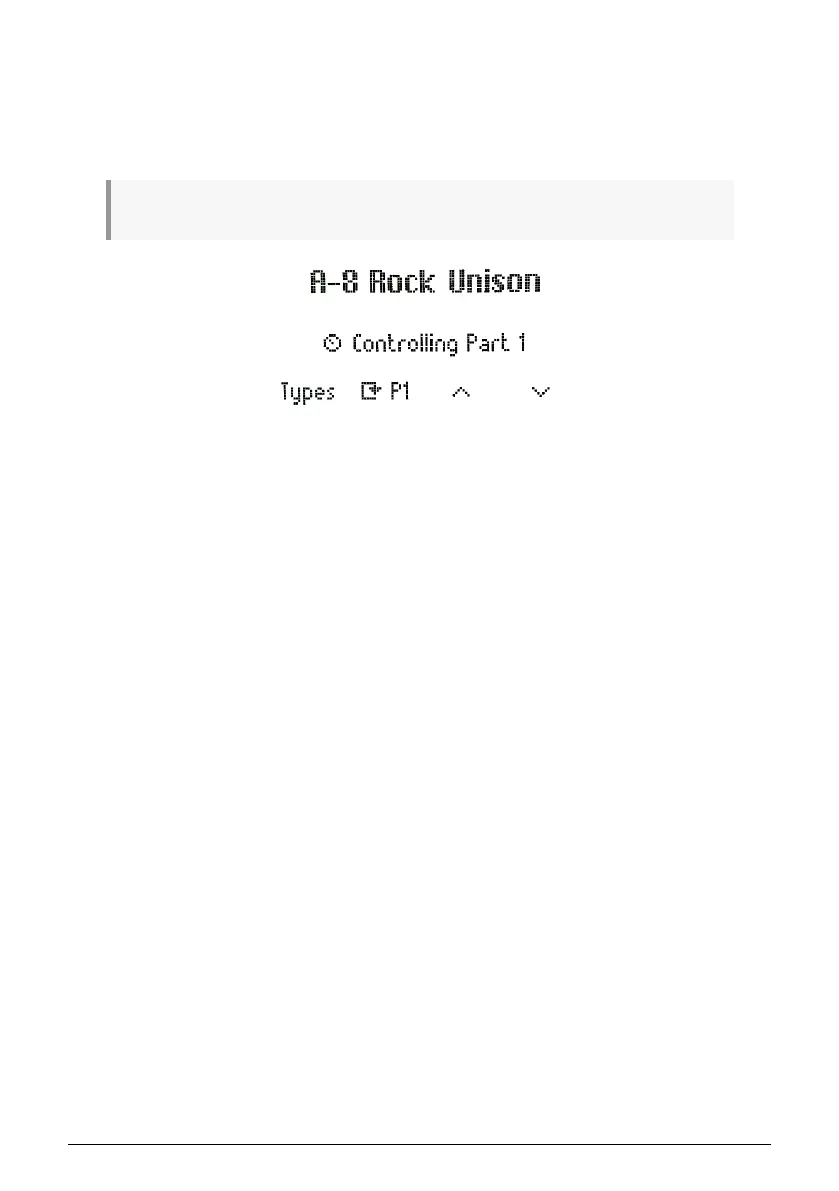
Controlling a part allows you to control the parameters of this specific part.
To select a part to control, short press the part button. It will switch between part 1 and part
2.
Clicking 3 times will get you back to the "Master" Part.
On the display, you will have four options:
• Types: Takes you to the Types list
• Replace Part: Allows you to replace part 1 or 2
• Browse Up: Scrolls backwards in the preset list and loads the preset
• Browse Down: Scrolls forward in the preset list and loads the preset
42 Arturia - User Manual KeyLab Essential mk3 - KeyLab Essential and Analog Lab V



 To Next Page