5.3. Browsing Presets
One of the first things KeyLab Essential can do in Analog Lab V is browse and select sound
Presets using the Main Encoder.
Turn the Main Encoder knob to scroll through the Presets shown in the central search results
area of Analog Lab V’s browser. Press the knob to load a Preset. The display in KeyLab
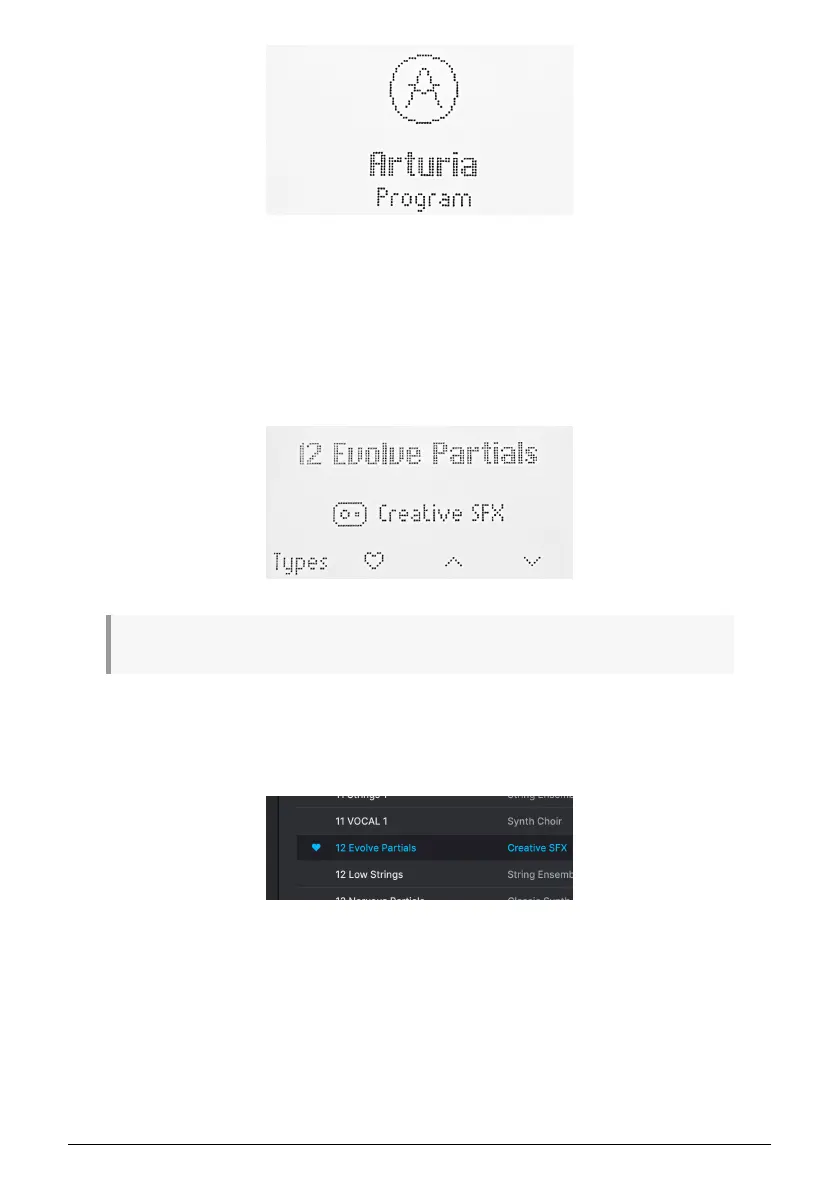
Essential will show the Preset name and its Type:
! A preset that has been selected but not loaded yet, shows a blinking name in the Display.
Long-pressing the knob will then add the Preset to your Liked Presets in Analog Lab V, or
remove it if it was previously Liked. Pressing the button below the heart symbol has the
same effect.
A heart icon appears in Analog Lab V to indicate a liked preset.
Arturia - User Manual KeyLab Essential mk3 - KeyLab Essential and Analog Lab V 37



 To Next Page