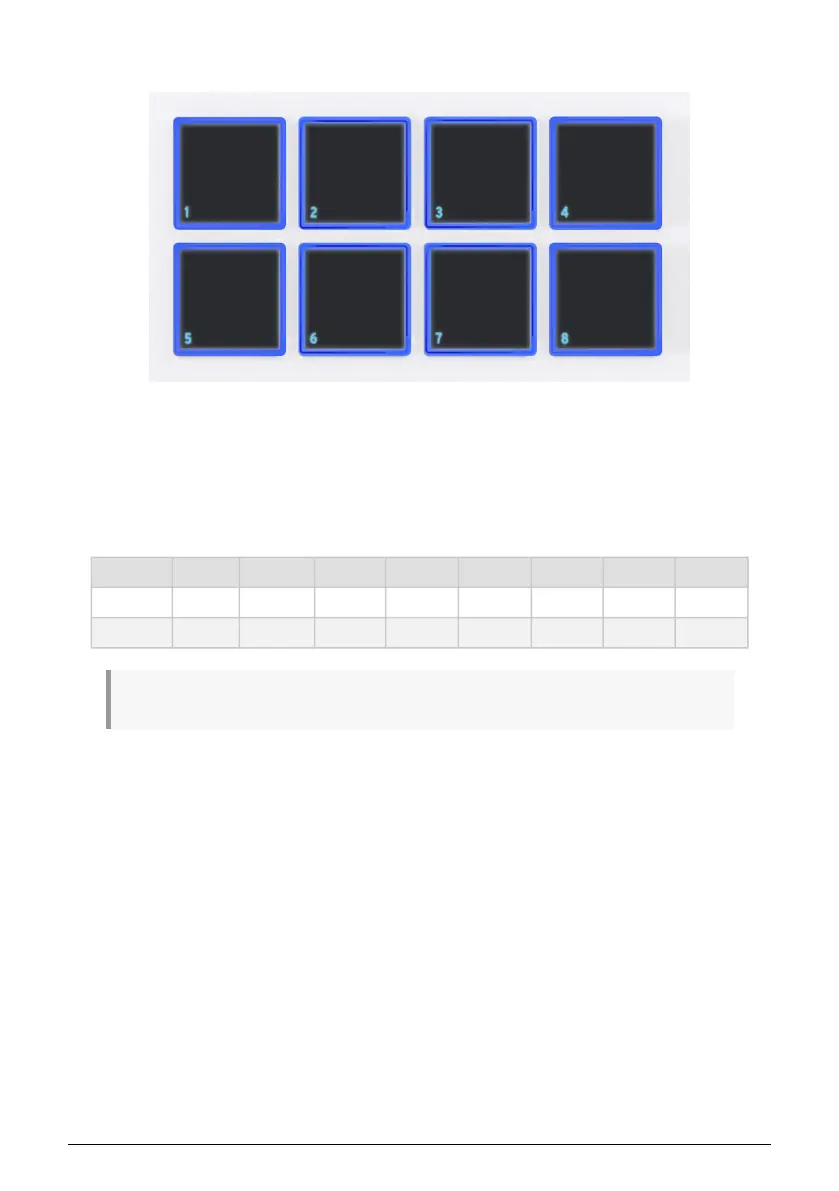
4.5. Pads
The eight velocity- and poly pressure-sensitive pads on KeyLab Essential serve multiple
purposes. In their default state, they send MIDI notes on channel 10 – the channel most
commonly used for drums in a DAW or multi-timbral synthesizer.
Press Bank to switch between pad banks A and B. Bank B sends other MIDI notes, also on
channel 10. The default note numbers — which may all be changed for User Modes in the
MIDI Control Center app — are:
Pad Bank 1 2 3 4 5 6 7 8
A 40 (E1) 41 (F1) 42 (F#1) 43 (G1) 36 (C1) 37 (C#1) 38 (D1) 39 (D#1)
B 48 (C2) 48 (C#2) 50 (D2) 51 (D#2) 44 (G#1) 45 (A1) 46 (A#1) 47 (B1)
! Every time you press the Bank button, the Display will confirm what Bank is currently selected.
12 Arturia - User Manual KeyLab Essential mk3 - KeyLab Essential operations



 To Next Page