4.10. Chord Mode
KeyLab Essential includes a Chord Mode that memorizes chords you input and then allows
you to play them from one key, transposing as it goes.
Chord information is transmitted as MIDI data over the USB-C port and/or 5-pin MIDI output,
depending on which are selected in your host software’s MIDI settings.
To turn chord mode on and off, Chord button. With Chord on, playing one note will play the
last recorded chord.
! Chords can be scaled and can be fed into the Arpeggiator. ! The Chord Play mode (whether
the chord is playing or not) and the Chord Edit mode (where you tweak the chord) are somewhat
independent of each other, i.e. the Chord doesn't automatically play just because you enter Chord Edit
mode. Also, quitting Chord Edit mode doesn't turn off the Chord function.
4.10.1. Playing Predefined Chords
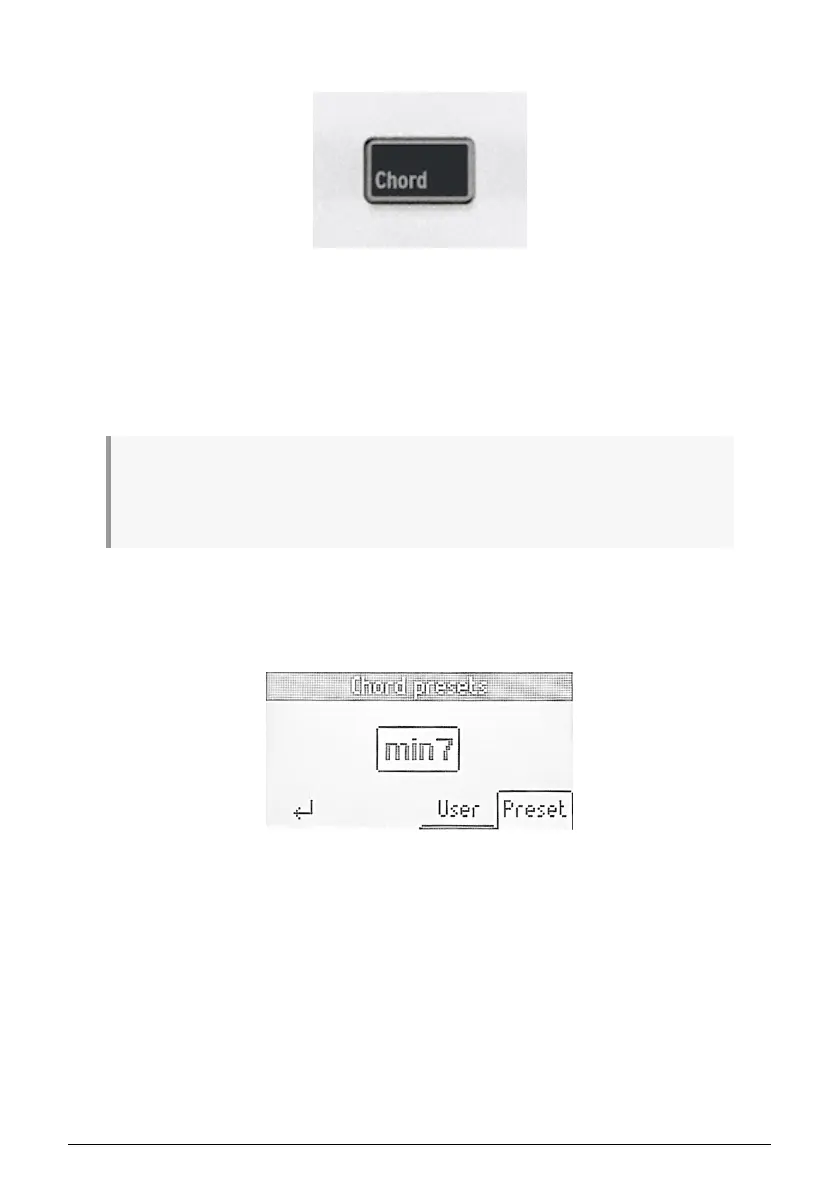
After long-pressing and releasing the Chord button, you can select any of the predefined
chords in KeyLab Essential. You will find them under Preset.
• Octave
• 5th
• Major Triad
• Minor Triad
• Sus 2
• Sus 4
• Major 7
• Minor 7
• Major 9
• Minor 9
• Major 11
• Minor 11
20 Arturia - User Manual KeyLab Essential mk3 - KeyLab Essential operations



 To Next Page