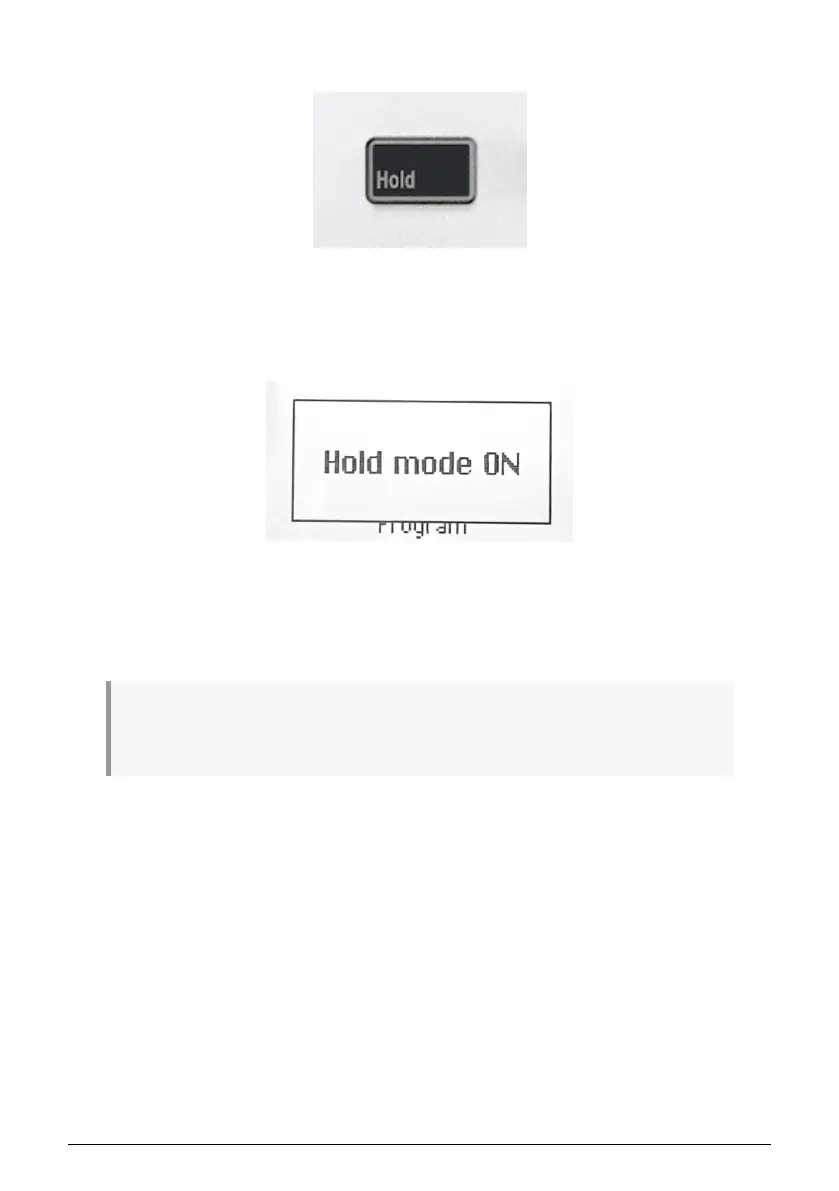
4.9. Hold Mode
The button marked Hold will hold the last note(s) played until a new note is played or until
you disengage the Hold function.
You activate Hold by pressing its button. The button will light up and the display will say Hold
mode ON. You turn off Hold by pressing the button again.
The Hold function differs from using a sustain pedal. After pressing a sustain pedal, every
note you play will keep sustaining until you release the pedal. In Hold mode, only notes that
are played simultaneously will be held. Example: Activate Hold mode and play C and G, then
release the keys. Those two notes will now keep on sounding until you hit a new key or keys;
C and G will stop playing and the newly added note(s) will be held.
! Hold can be activated in two ways – either by pressing the Hold button before playing the notes
or when the keys are actually played (before they are released). ! When Hold is active, the Hold button
shines brighter. ! Hold only works in conjunction with the keys, not the pads.
Arturia - User Manual KeyLab Essential mk3 - KeyLab Essential operations 19



 To Next Page