2. INSTALLATION
The first thing to do upon receiving your KeyLab Essential keyboard, after having completed
the registration process, is to update its firmware. Indeed, Arturia releases periodic
firmware updates to add functionality and improve performance.
To proceed with the update, you'll first need to download and install the MIDI Control Center,
the powerful companion software we designed to work with our hardware, from the KeyLab
Essential's Resources page.
Once this is done, you can follow these steps to upgrade the firmware of KeyLab Essential:
1. Download the latest firmware from the KeyLab Essential's Resources page.
2. Launch MIDI Control Center.
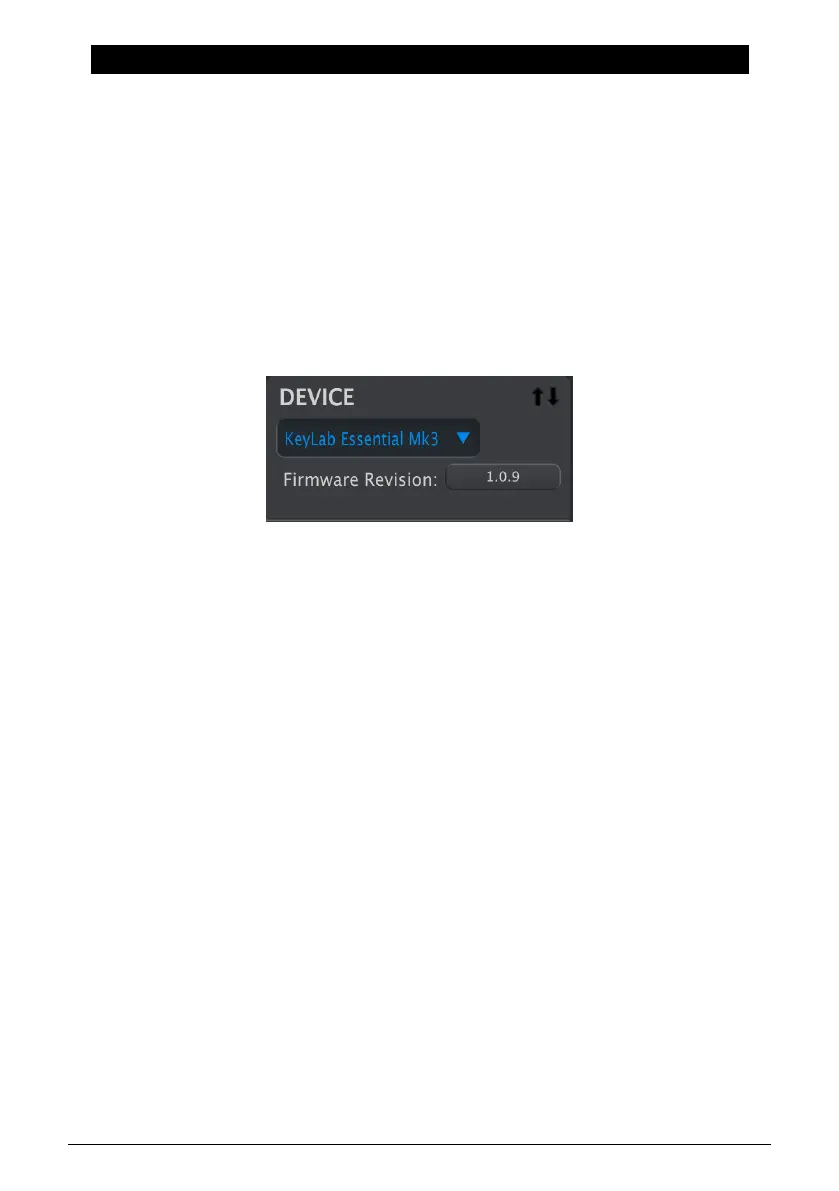
3. Please make sure KeyLab Essential 3 is selected under Device in MIDI Control Center.
Click on the box showing the firmware revision:
4. Click “Upgrade” in the dialogue box that follows, then navigate to the firmware file on
your computer and select it. The four buttons are now lit in blue, running in cycle.
5. Follow the rest of the onscreen instructions. When the firmware loading is complete,
KeyLab Essential will restart and be ready for use.
Once your KeyLab Essential is ready, you can start using it to control various virtual
instruments, like our own Analog Lab V [p.34].
For more information on how the MIDI Control Center works with the KeyLab Essential,
please refer to the dedicated manual in the KeyLab Essential section of our Downloads &
Manuals page.
Arturia - User Manual KeyLab Essential mk3 - Installation 5



 To Next Page