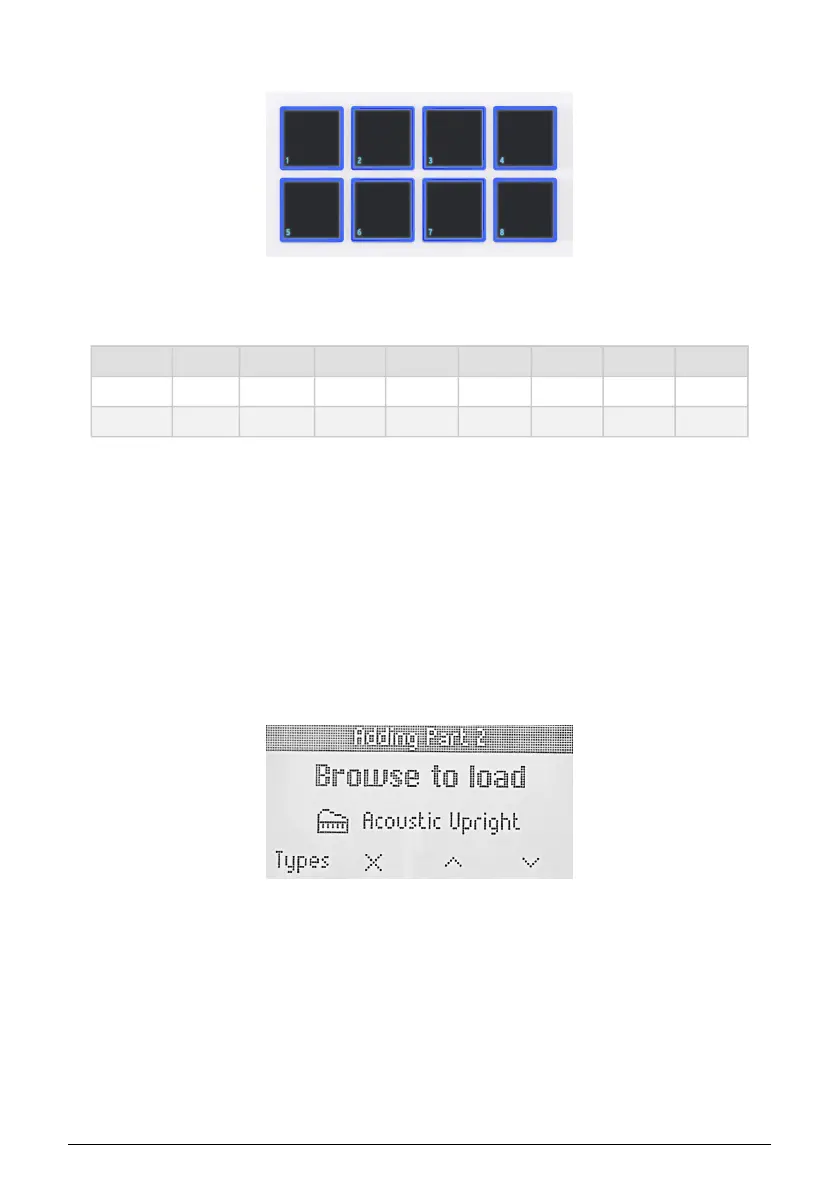
5.5. Pads
The Pads in KeyLab Essential’s send MIDI notes as outlined in the previous chapter. The
default notes are:
Pad Bank 1 2 3 4 5 6 7 8
A 40 (E1) 41 (F1) 42 (F#1) 43 (G1) 36 (C1) 37 (C#1) 38 (D1) 39 (D#1)
B 48 (C2) 48 (C#2) 50 (D2) 51 (D#2) 44 (G#1) 45 (A1) 46 (A#1) 47 (B1)
5.6. Controlling Parts in Analog Lab V
When KeyLab Essential is in Arturia mode (press the Prog button until you get there), the
Part feature allows you to remotely control multi presets in Analog Lab V.
To use this feature, you can either load a Multi preset (turn the Main Encoder and click to
select) or add a part to a single preset.
5.6.1. Adding a Part in Analog Lab V
To add a part, long-press the Part button while being on a Single preset. By doing so, you
will enter the Add Part menu.
Arturia - User Manual KeyLab Essential mk3 - KeyLab Essential and Analog Lab V 39



 To Next Page