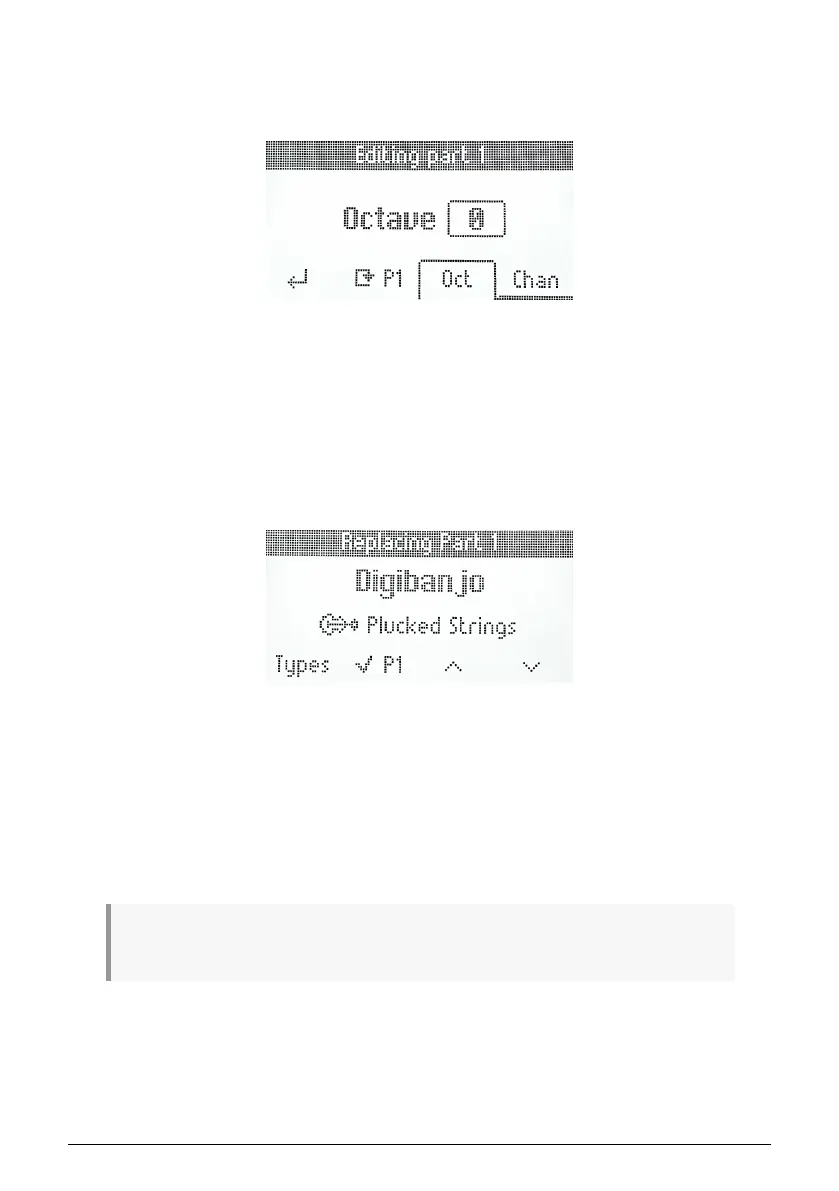
5.6.3. Editing in the Part Menu
By pressing the button below the Edit Part 1 or Edit Part 2 symbol, you can edit a further set
of parameters.
• Back: Takes you back to the previous menu
• Replace Part 1 or Part 2: Gives you access to the Replace Part menu
• Octave: Changes the octave played by the part
• MIDI Channel: Set the MIDI channel of the part that Analog Lab V listens to
5.6.3.1. Replace part menu
This menu allows you to load a preset into a specific part. You have four options:
• Types: Access to the types menu
• Validate part or Remove part: Lets you validate or remove a part (if no preset is
loaded)
• Browse Up: Scrolls backwards in the preset list and loads the preset
• Browse Down: Scrolls forward in the preset list and loads the preset
! To load a preset, you can also click on the Main Encoder. Loading the preset allows you to listen to
the preset.
Arturia - User Manual KeyLab Essential mk3 - KeyLab Essential and Analog Lab V 41



 To Next Page