69
Appendix
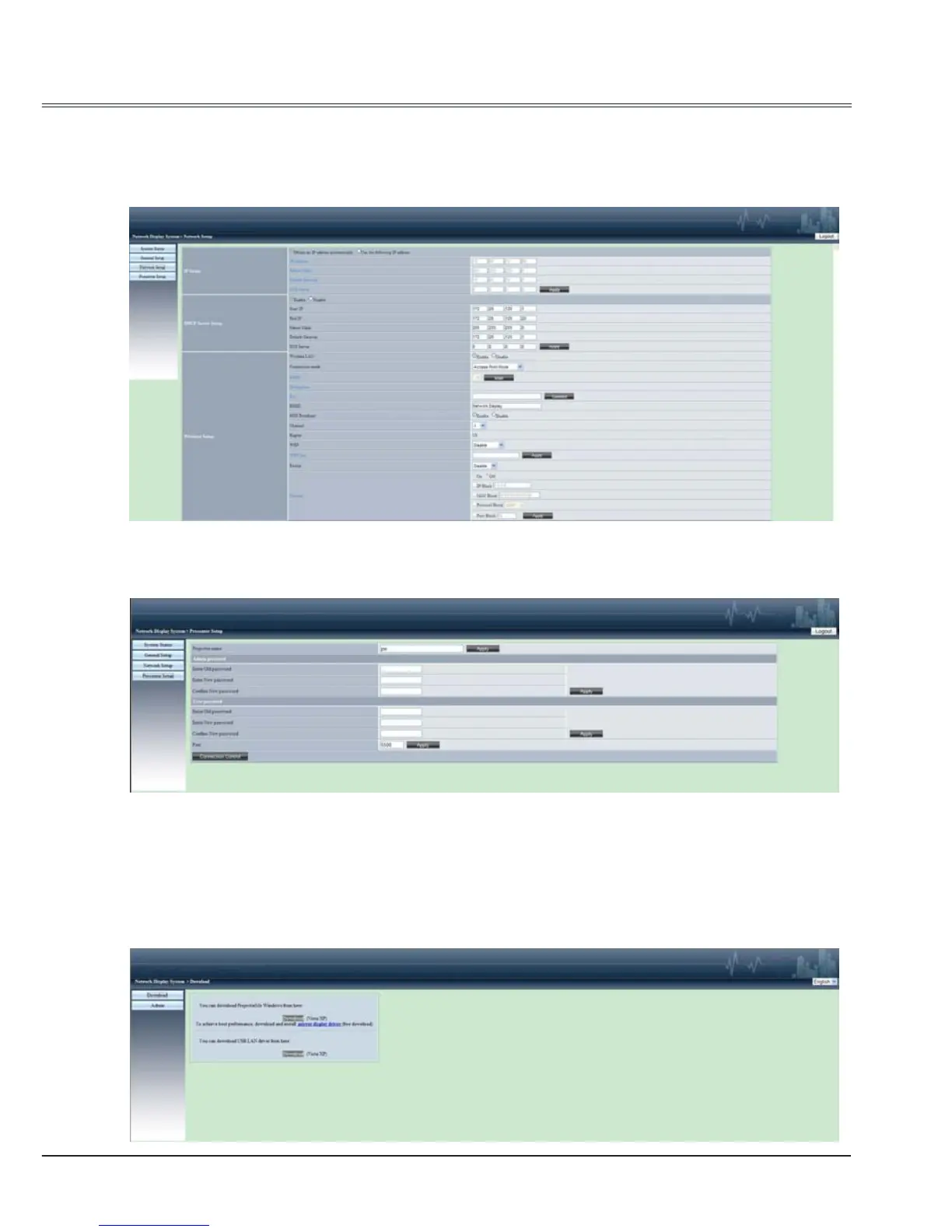
Network Setup:
"IP Setup": setting wired LAN IP address, Subnet Mask, Default Gateway.
"DHCP Server Setup":setting DHCP Server.
"Wireless Setup": setting the parameters for wireless LAN.
Presenter Setup:
Setting the projector name in LAN, password for administrator of ProjectorMe and User.
8 ProjectorMe software: when "Network" is selected in Source Select, you can projector the current
computer images via network.
Input the IP address of the projector in webpage to enter the Network Display System, click
"Download" to download the ProjectorMe software according to your operation system.



 To Next Page