70
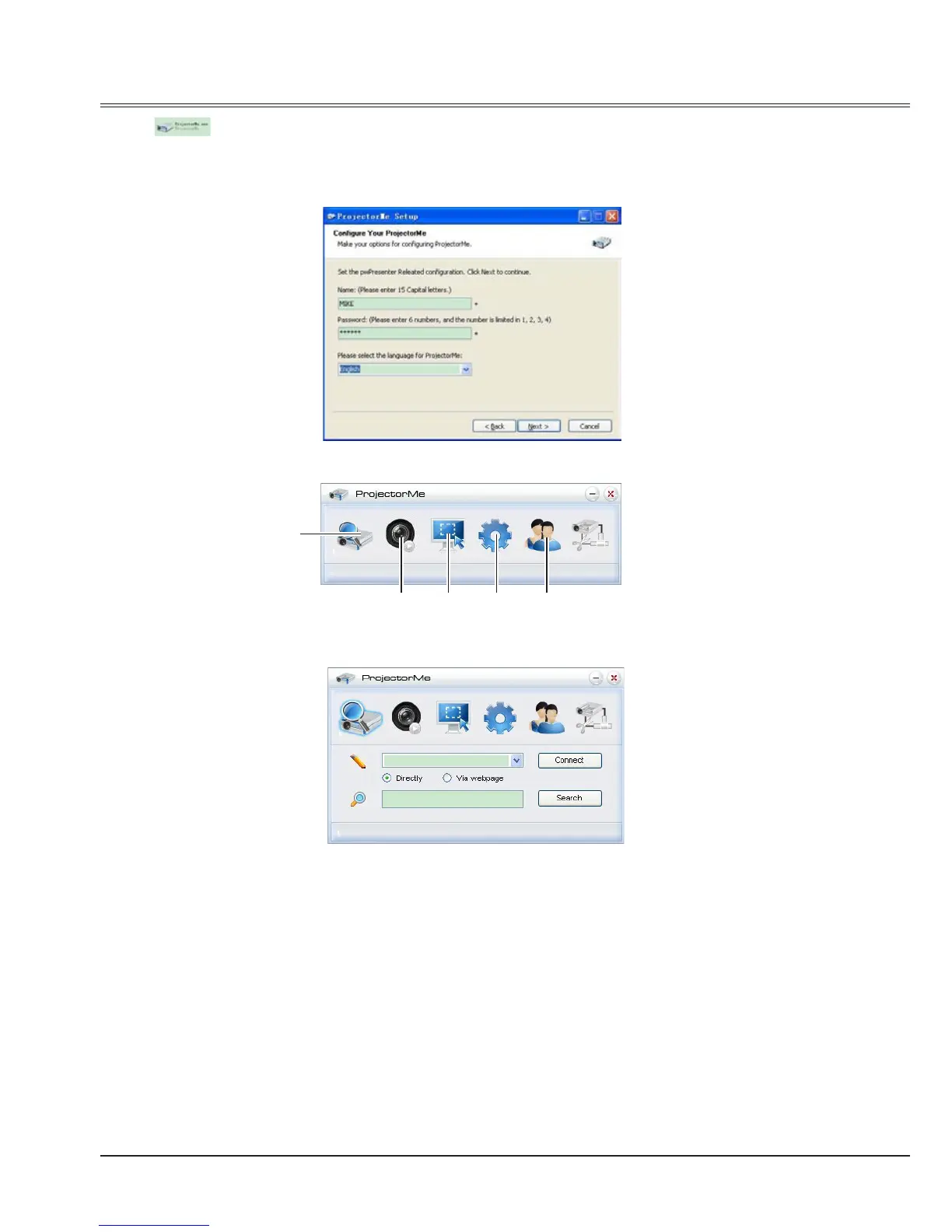
9 Click , install theProjectorMe software.
While installing, you should input the user's name and password.(One projector can be operated
by at most four persons.)
When installing completed, click the quick icon to access the ProjectorMe software.
Appendix
①
Search for projector display
Click to enter Search, select the projetor and connect it.
②
Play/Pause
Play or pause the selected image.
③
Choose capture mode
Choose a capture mode from "FullScreen", "FixedSize" or "Alterable."
①
② ③
④ ⑤



 To Next Page