5 Operation
Cycle
Warm
Up
When changing from one type
of
cycle to another; i.e., from Standard to
Advanced or from Advanced to Standard, the sterilizer requires time to
warm up.
1.
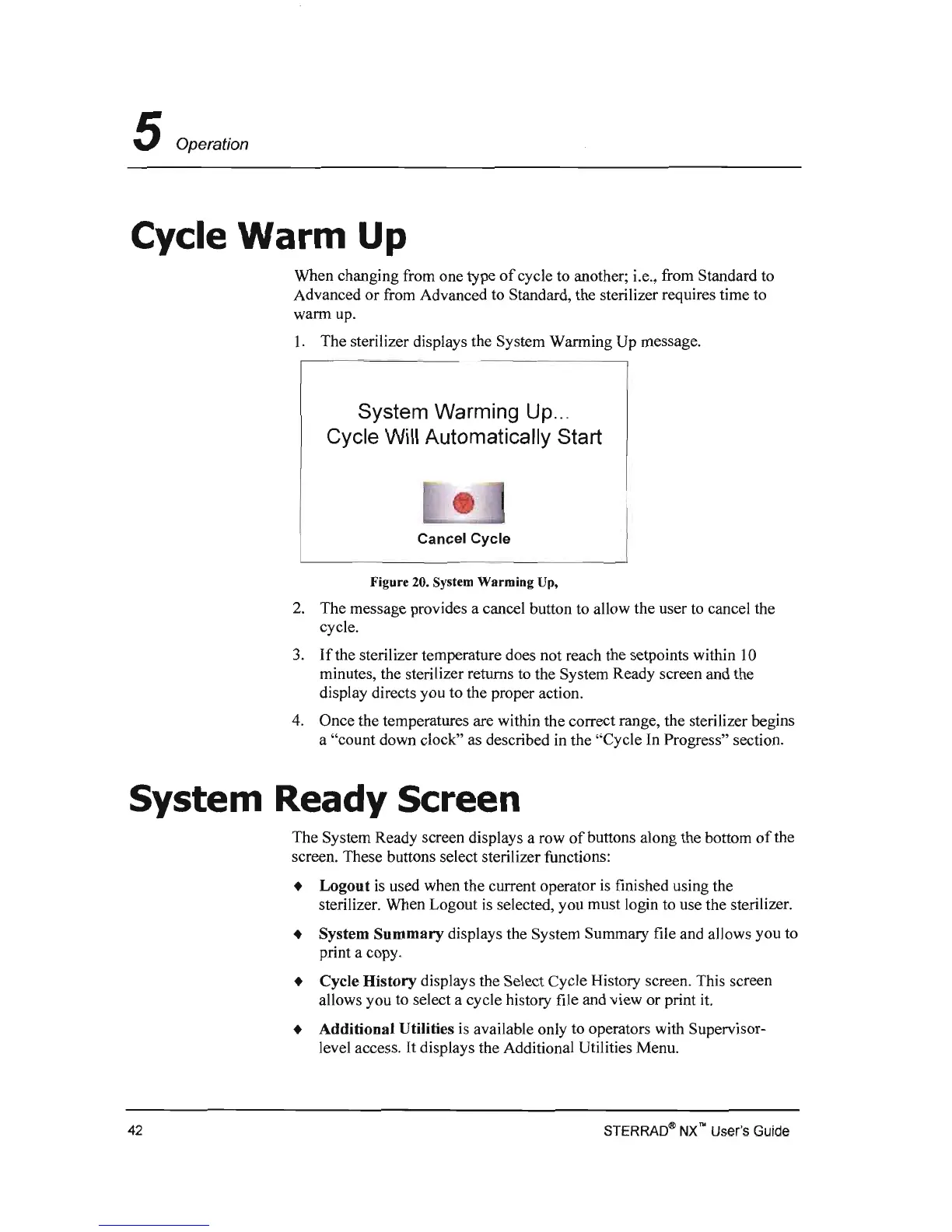
The sterilizer displays the System Warming Up message.
System Warming Up
...
Cycle Will Automatically Start
Cancel
Cycle
Figure 20. System Warming Up,
2.
The message provides a cancel button to allow the user to cancel the
cycle.
3.
If
the sterilizer temperature does not reach the setpoints within
10
minutes, the sterilizer returns to the System Ready screen and the
display directs you to the proper action.
4.
Once the temperatures are within the correct range, the sterilizer begins
a "count down clock" as described
in
the "Cycle
In
Progress" section.
System Ready Screen
The System Ready screen displays a row
of
buttons along the bottom
of
the
screen. These buttons select sterilizer functions:
• Logout
is
used when the current operator
is
finished using the
sterilizer. When Logout
is
selected, you must login to use the sterilizer.
• System
Summary
displays the System Summary file and allows you to
print a copy.
• Cycle History displays the Select Cycle History screen. This screen
allows you to select a cycle history file and view or print
it.
• Additional Utilities
is
available only to operators with Supervisor-
level access.
It
displays the Additional Utilities Menu.
STERRAO®
NX
no
User's
Guide
42



 To Next Page