Operation 5
Cycle in Progress
When you touch the
Start
Cycle button, the sterilizer starts a "countdown
clock" and begins the sterilization cycle .
•
Cancel Cycle
I MM:SS I
Time Remaining
Current Stage:
xx
x%
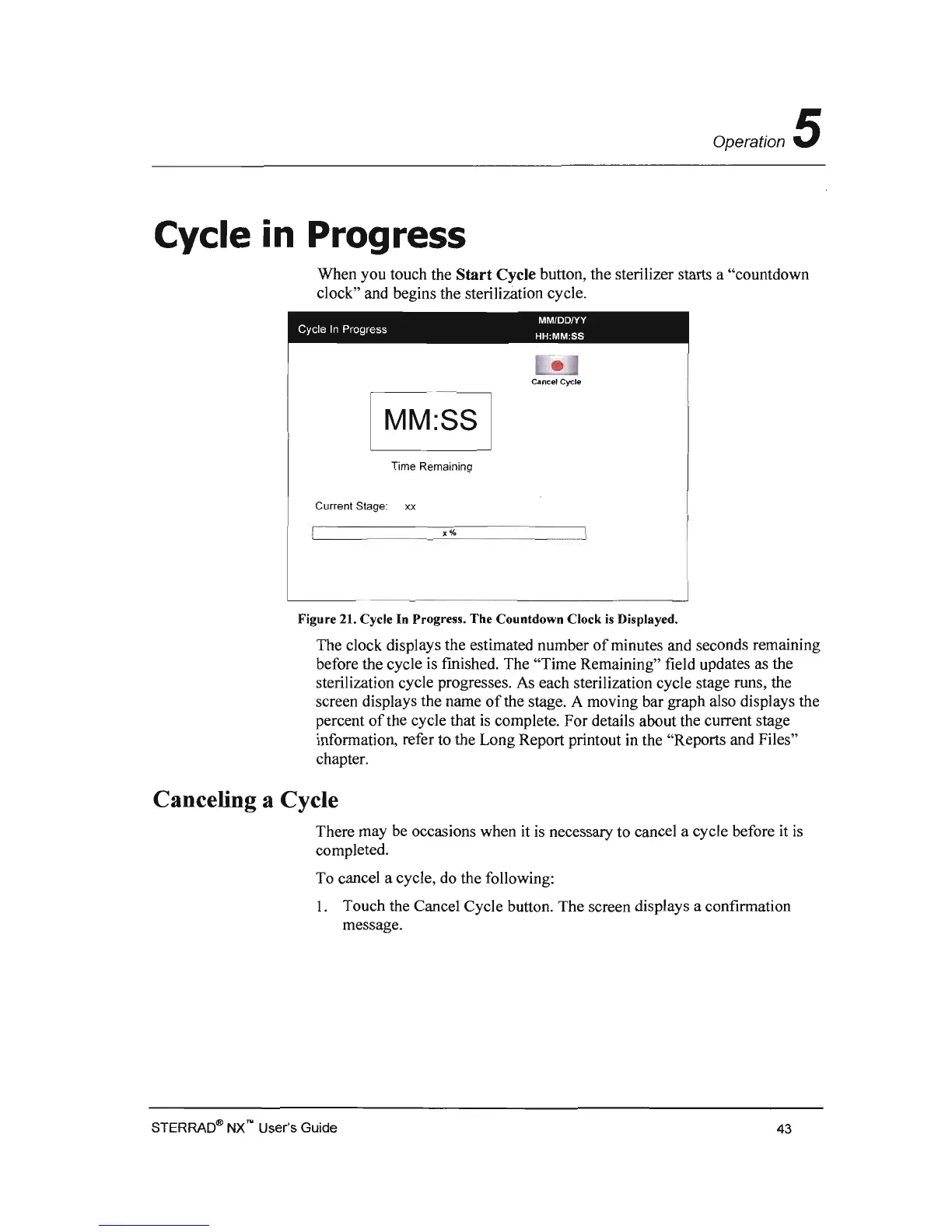
Figure 21. Cycle In Progress. The Countdown Clock
is
Displayed.
The clock displays the estimated number
of
minutes and seconds remaining
before the cycle is fmished. The "Time Remaining" field updates as the
sterilization cycle progresses.
As
each sterilization cycle stage runs, the
screen displays the name
of
the stage. A moving bar graph also displays the
percent
of
the cycle that
is
complete. For details about the current stage
information, refer to the Long Report printout in the "Reports and Files"
chapter.
Canceling a Cycle
There may
be
occasions when
it
is
necessary to cancel a cycle before it
is
completed.
To cancel a cycle, do the following:
I. Touch the Cancel Cycle button. The screen displays a confirmation
message.
STERRAO® NX'" User's Guide
43



 To Next Page