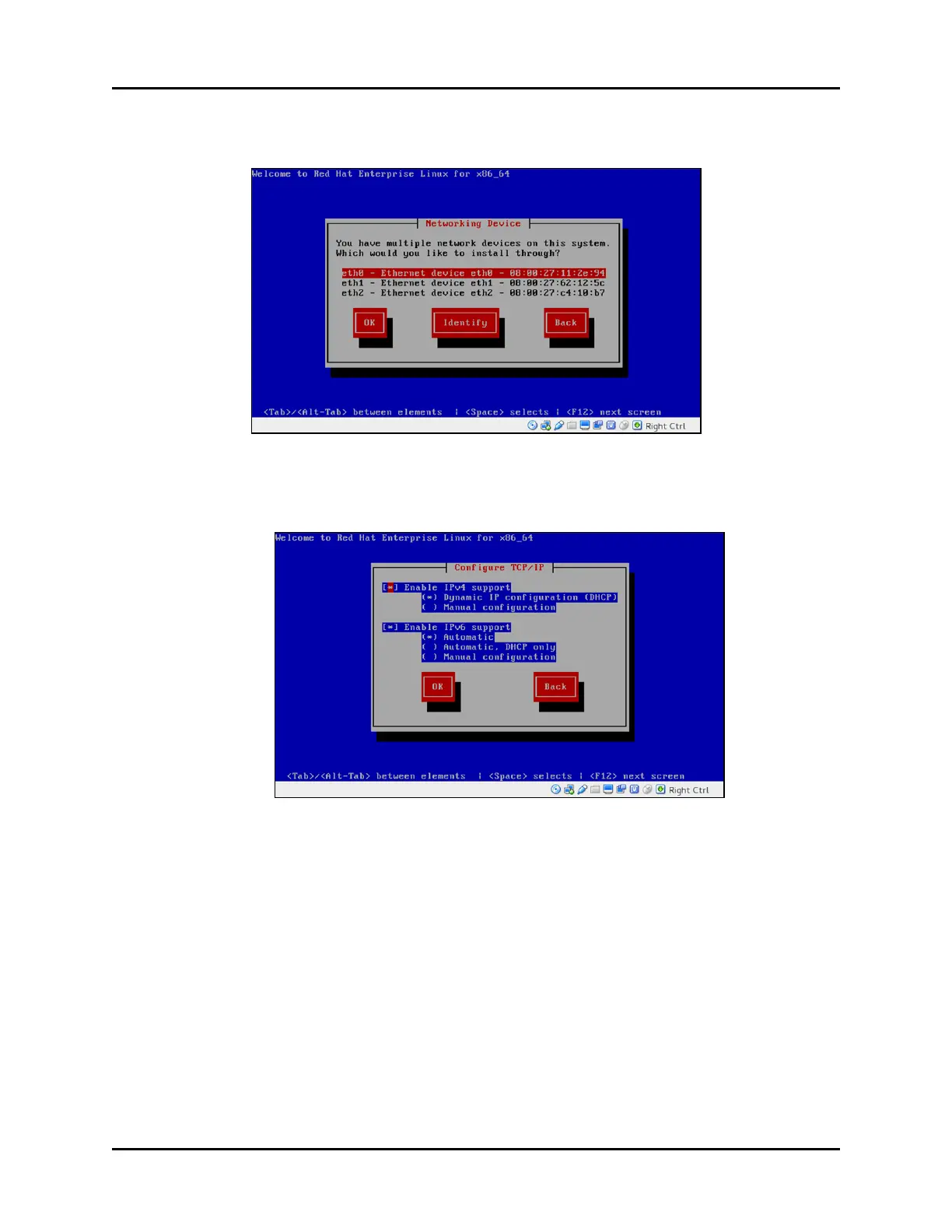
4. From the menu options, select the interface that is connected to the network hosting your
iSCSI drive.
Figure 15: Networking Device
5. Enter the appropriate network information, or select Use Dynamic IP Configuration (if
applicable). Select OK.
Figure 16: Configure TCP/IP
6. Remove the Telestra iSCSI Software Installation DVD when it ejects from the drive.
28 Copyright © 2018 Advanced Simulation Technology inc.
ACE Target and Studio Cold Start Guide (Rev. B, Ver. 0)



 To Next Page