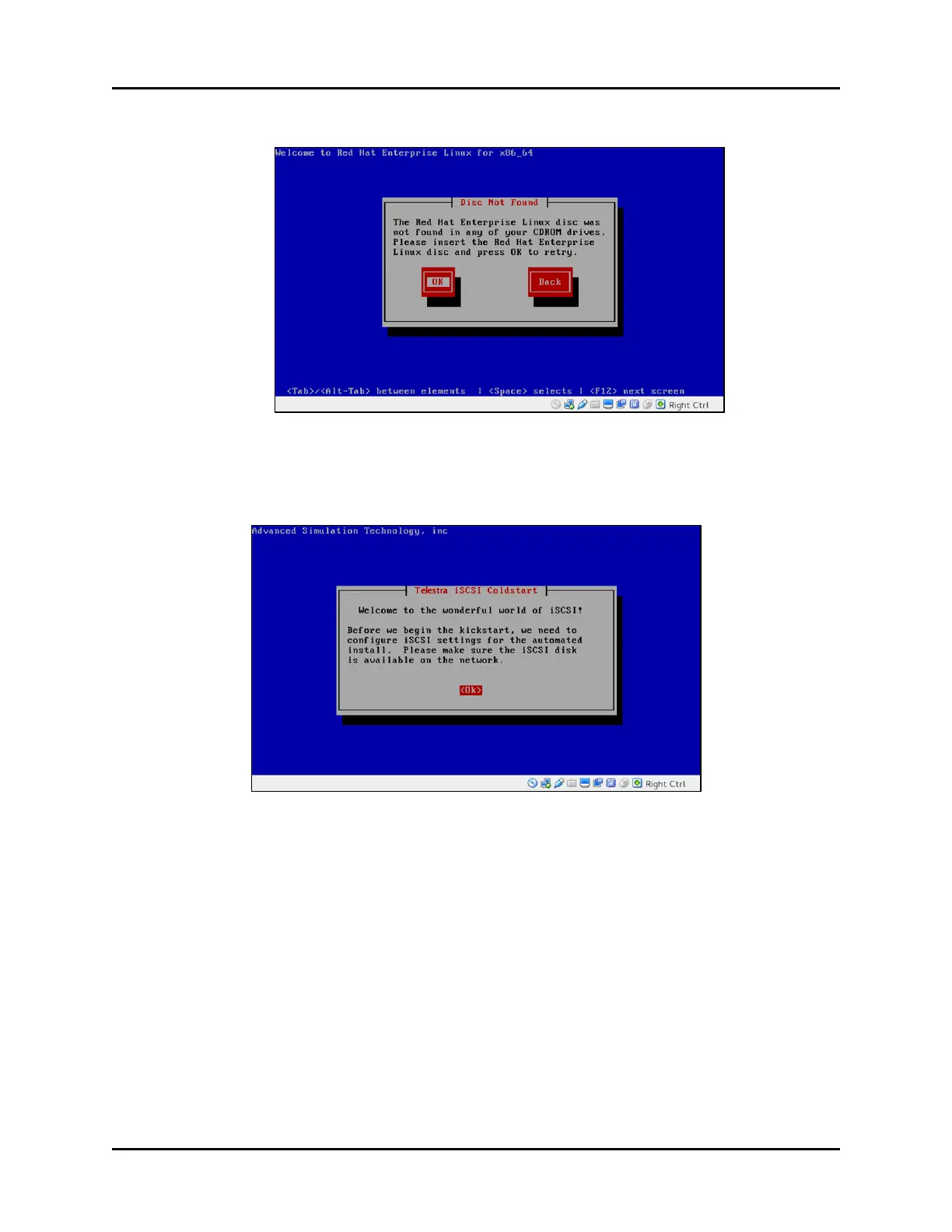
7. A “Disc Not Found” message appears. Select OK to continue.
Figure 17: “Disc Not Found”
8. Insert the Red Hat 6 Installation DVD, and select OK.
9. The Telestra iSCSI Coldstart welcome message appears. Select <Ok> to continue.
Figure 18: iSCSI Coldstart welcome message
Copyright © 2018 Advanced Simulation Technology inc. 29
ACE Target and Studio Cold Start Guide (Rev. B, Ver. 0)



 To Next Page