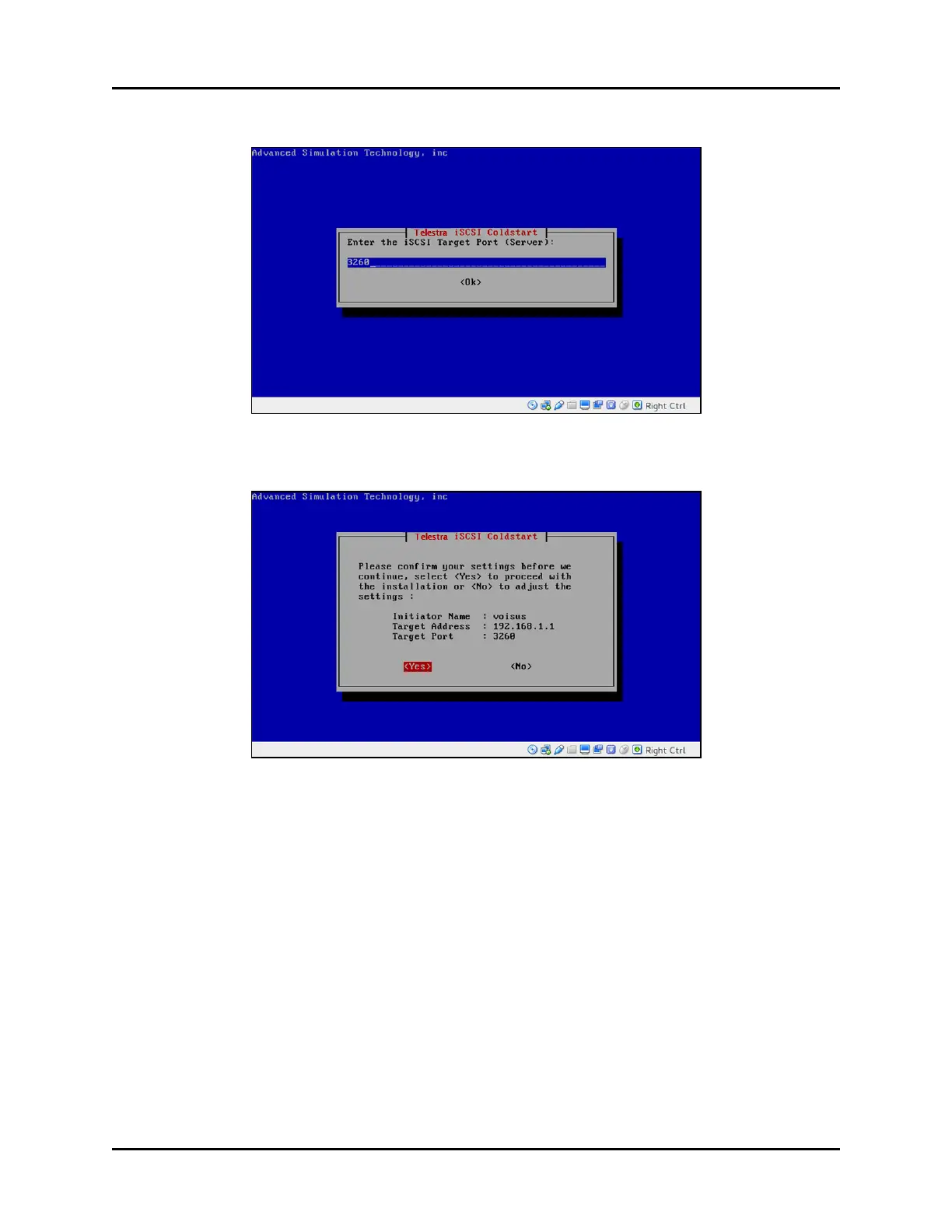
12. Enter the iSCSI port number, and select <Ok>.
Figure 21: Enter the iSCSI Target Port (Server)
13. Confirm your settings, and select <Yes>.
Figure 22: Settings confirmation
14. Wait approximately 10–15 minutes for the installation to complete. When prompted,
insert the Telestra iSCSI Software Installation DVD. Press Enter.
15. Wait for confirmation that the software installation is complete, and press Enter.
16. Remove the Telestra iSCSI Software Installation DVD. The server automatically turns
off.
Copyright © 2018 Advanced Simulation Technology inc. 31
ACE Target and Studio Cold Start Guide (Rev. B, Ver. 0)



 To Next Page