ASUS RS540-E9-RS36-E
5-37
User Password
To set a user password:
1. Select the User Password item and press <Enter>.
2. FromtheCreateNewPasswordbox,keyinapassword,thenpress<Enter>.
3. Conrmthepasswordwhenprompted.
To change a user password:
1. Select the User Password item and press <Enter>.
2. FromtheEnterCurrentPasswordbox,keyinthecurrentpassword,thenpress
<Enter>.
3. FromtheCreateNewPasswordbox,keyinanewpassword,thenpress<Enter>.
4. Conrmthepasswordwhenprompted.
To clear a user password:
1. Select the Clear User Password item and press <Enter>.
2. Select YesfromtheWarningmessagewindowthenpress<Enter>.
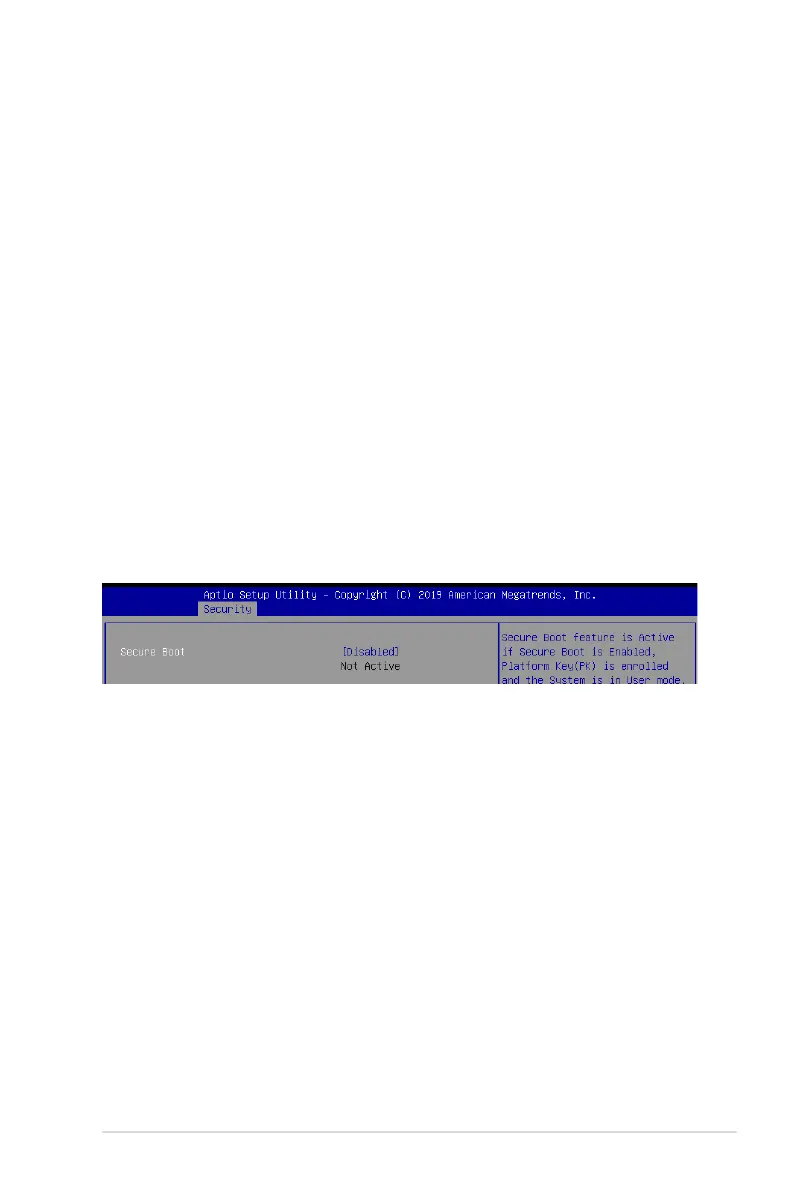
Secure Boot
This item allows you to customize the Secure Boot settings.
Secure Boot
Allows you to enable or disable Secure Boot.
Congurationoptions:[Disabled][Enabled]













 To Next Page