Chapter 2: Hardware Information
2-18
2.5 Expansion slot
The PCI-E slots on the motherboard of this barebone server allows you to install Low-Prole
PCI Express expansion cards.
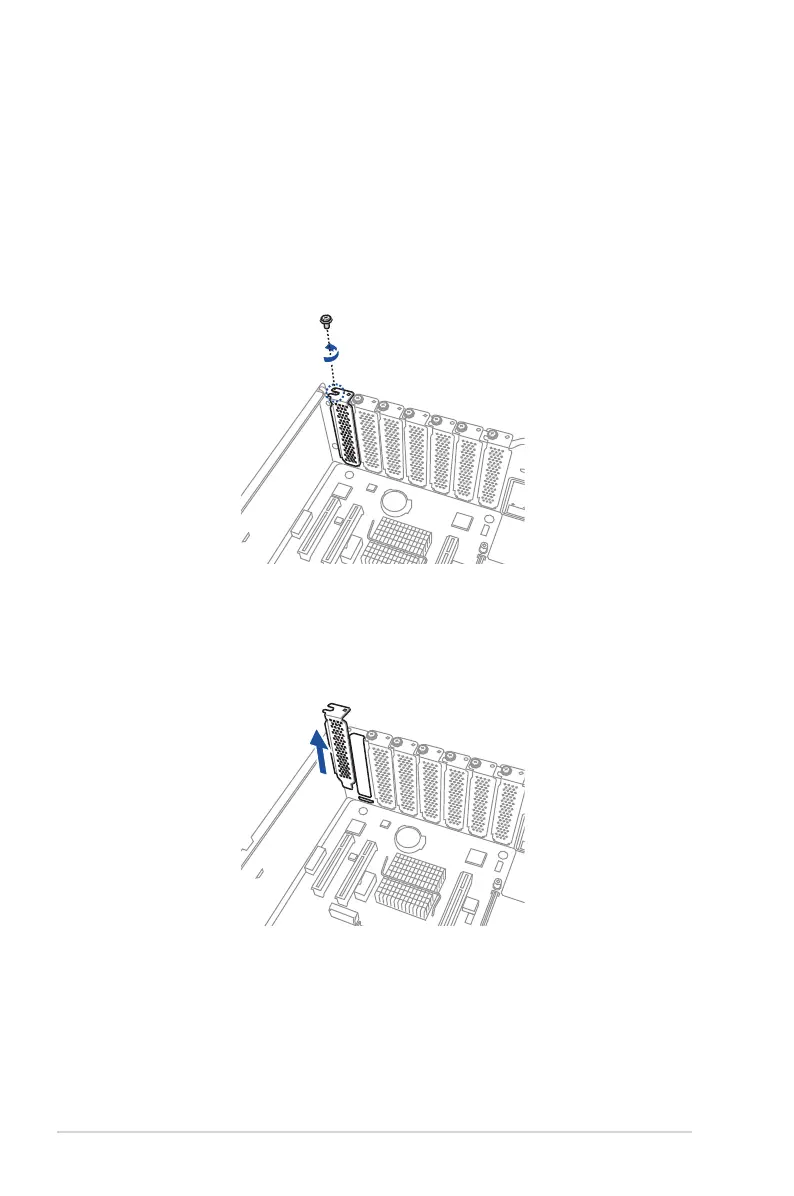
2.5.1 Installing an expansion card to the PCI-E slot
To install an expansion card:
1. Remove the screw that secures the metal cover to the chassis.
2. Remove the metal cover then set it aside for future use.













 To Next Page