ASUS RS540-E9-RS36-E
5-7
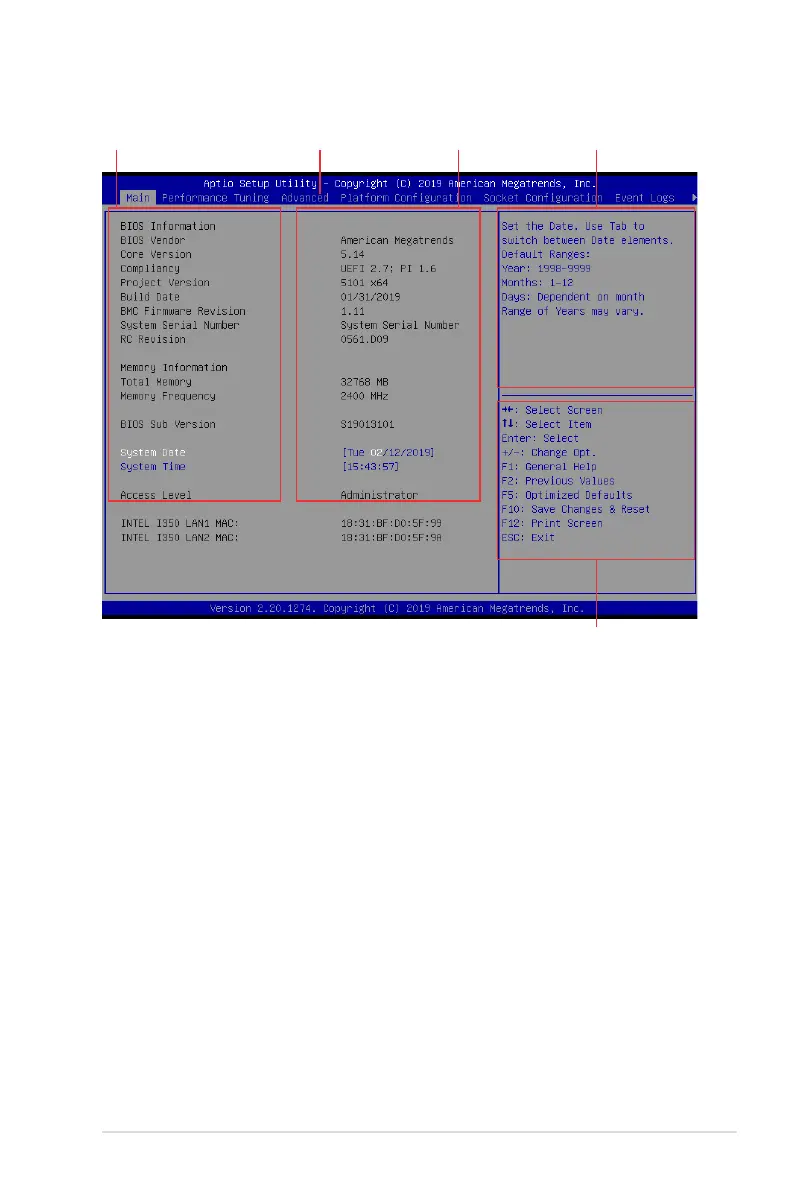
5.2.1 BIOS menu screen
5.2.2 Menu bar
The menu bar on top of the screen has the following main items:
Main Forchangingthebasicsystemconguration
Performance Tuning For changing the performance settings
Advanced For changing the advanced system settings
Platform Configuration For changing the platform settings
Socket Configuration Forchangingthesocketsettings
Event Logs For changing the event log settings
Server Mgmt For changing the Server Mgmt settings
Security For changing the security settings
Boot Forchangingthesystembootconguration
Tool Forconguringoptionsforspecialfunctions
Save & Exit For selecting the exit options
Toselectanitemonthemenubar,presstherightorleftarrowkeyonthekeyboarduntilthe
desired item is highlighted.
Navigation keys
General help
Menu bar Configuration fieldsMenu items













 To Next Page