ASUS RS540-E9-RS36-E
5-13
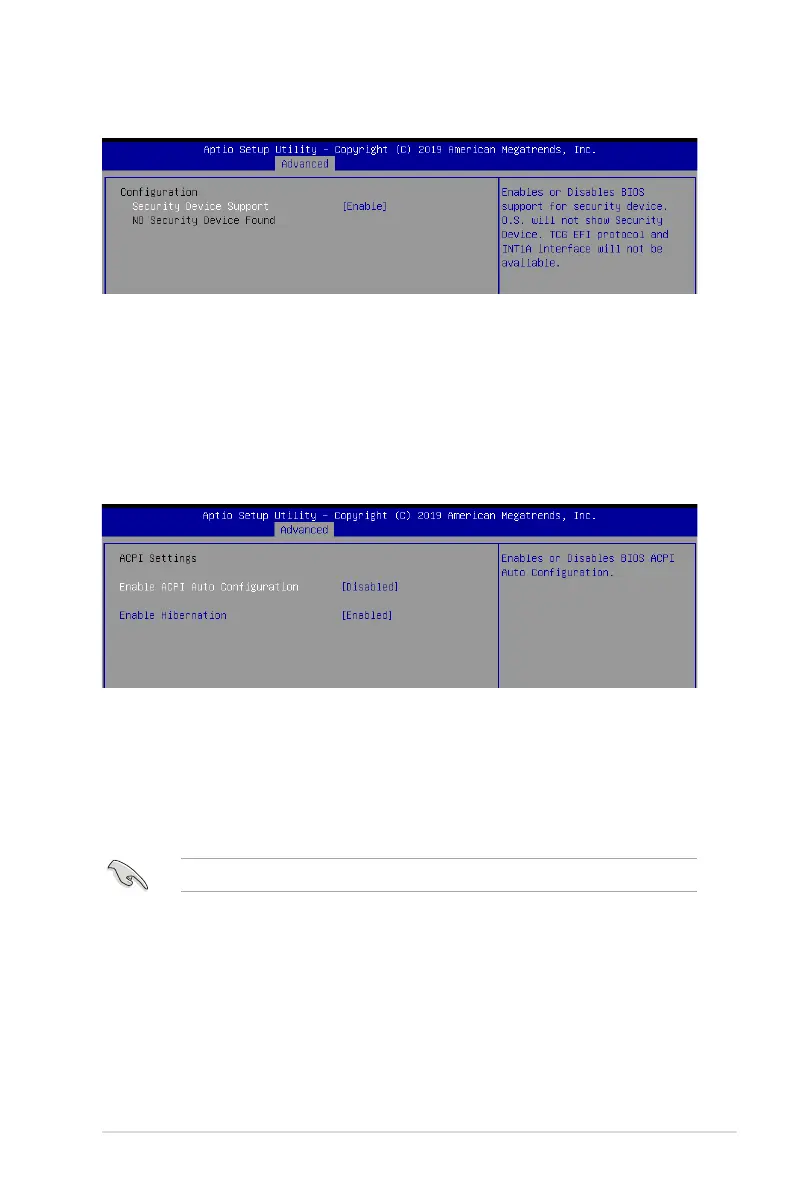
5.5.1 Trusted Computing
Configuration
Security Device Support [Enabled]
Allows you to enable or disable the BIOS support for security device.
Congurationoptions:[Disabled][Enabled]
5.5.2 ACPI Settings
Enable ACPI Auto Configuration [Disabled]
AllowsyoutoenableordisabletheBIOSACPIAutoConguration.
Congurationoptions:[Disabled][Enabled]
Enable Hibernation [Enabled]
Allows you to enable or disable the ability of the system to hibernate (OS/Sleep State).
Congurationoptions:[Disabled][Enabled]
This option may be not effective with some OS.













 To Next Page