ASUS RS540-E9-RS36-E
5-9
5.3 Main menu
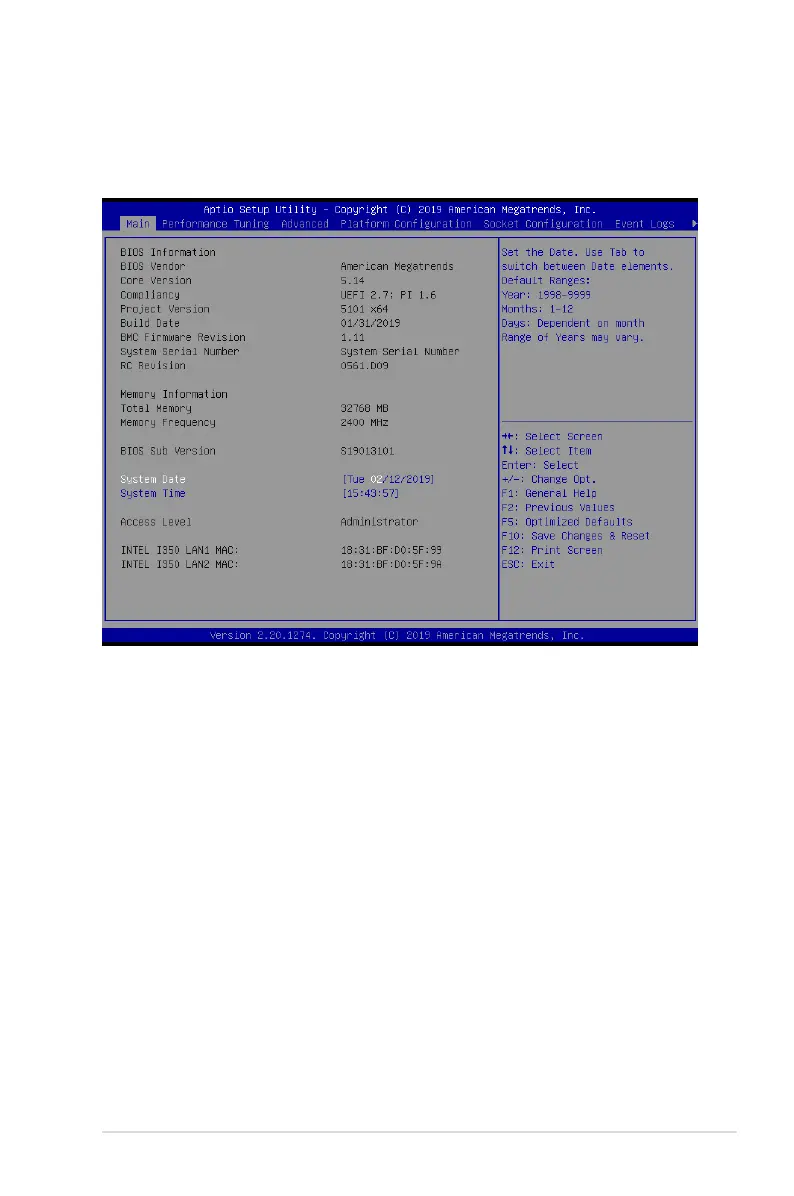
WhenyouentertheBIOSSetupprogram,theMainmenuscreenappears.TheMainmenu
provides you an overview of the basic system information, and allows you to set the system
date, time, language, and security settings.
5.3.1 System Date [Day xx/xx/xxxx]
Allows you to set the system date.
5.3.2 System Time [xx:xx:xx]
Allows you to set the system time.













 To Next Page