6-13
ASUS RS540-E9-RS36-E
6.3.1 Creating a RAID set
To create a RAID set:
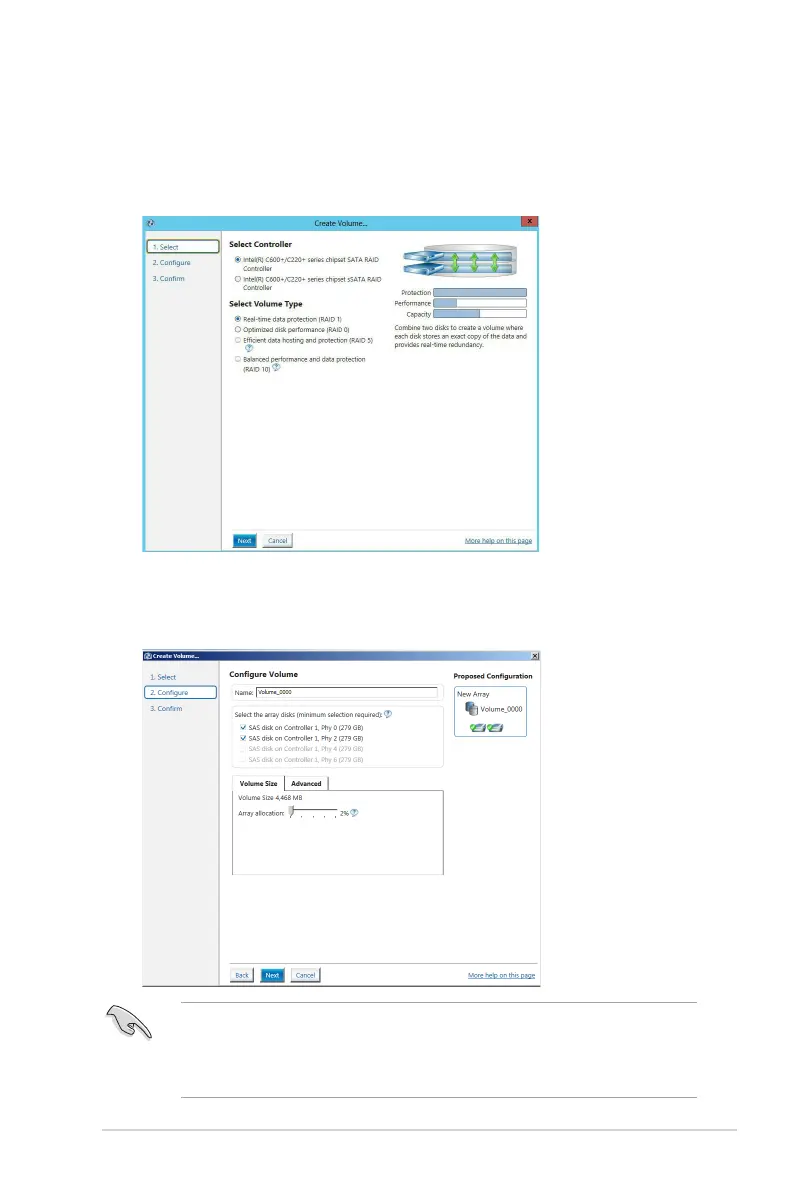
1. From the utility main menu, select Create Volume and select volume type.
2. Click Next.
3. Enter a name for the RAID set, then select the array disks.
4. Select Volume Size tab, you can drag the bar to decide the volume size.
5. Click Next.
• If you do not want to keep the data on one of the selected disks, select NO when
prompted.
• If you want to Enable volume write-back cache or Initialize volume, click
Advanced.













 To Next Page