Chapter 3: Installation Options
3-2
3.1 Friction Rail Kit
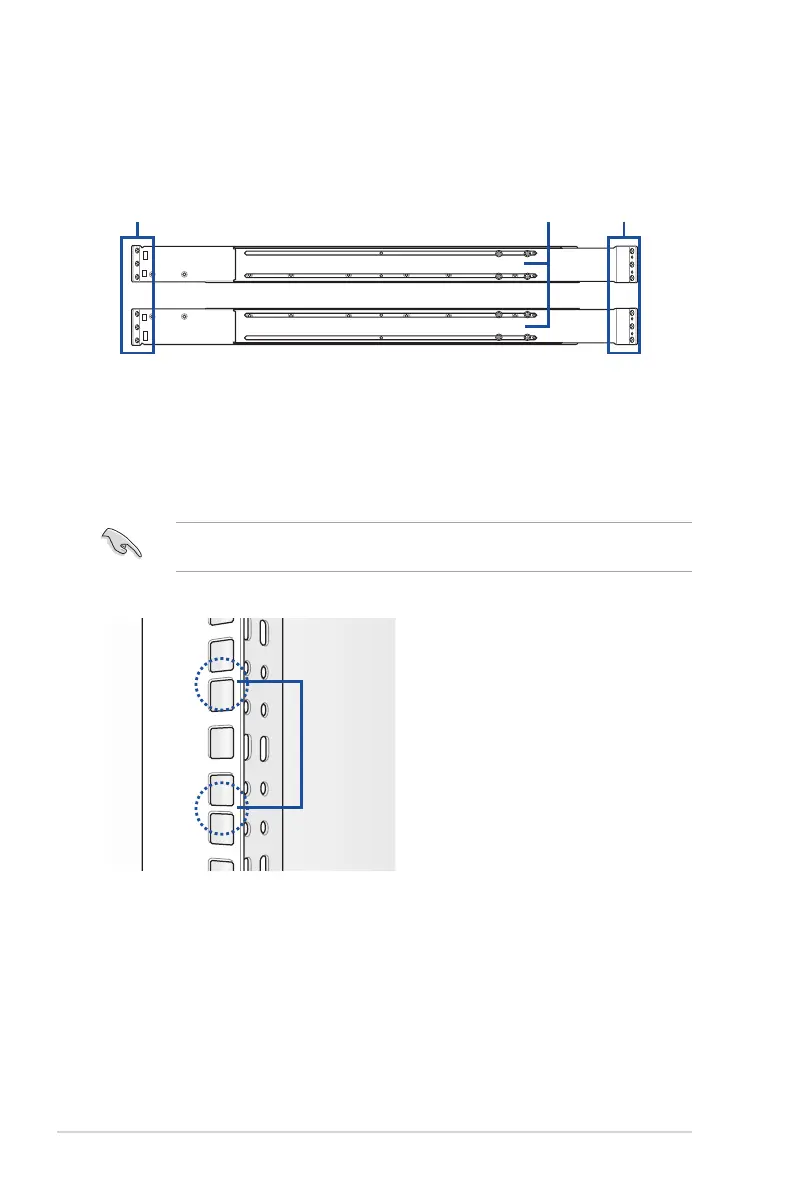
The rail kit package includes:
Friction rack rails
To install the Friction Rail Kit:
Rack railsFront end Rear end
1. Select a 4U space on the rack where you want to install the rack rail.
3.1.1 Attaching the rack rails
2. Place the appropriate rack rail (left and right) on opposite positions on the rack.
A 1U space is consists of three square mounting holes with two thin lips on the top and the
bottom.
1U













 To Next Page