Model X High Speed Sublimation printer
17
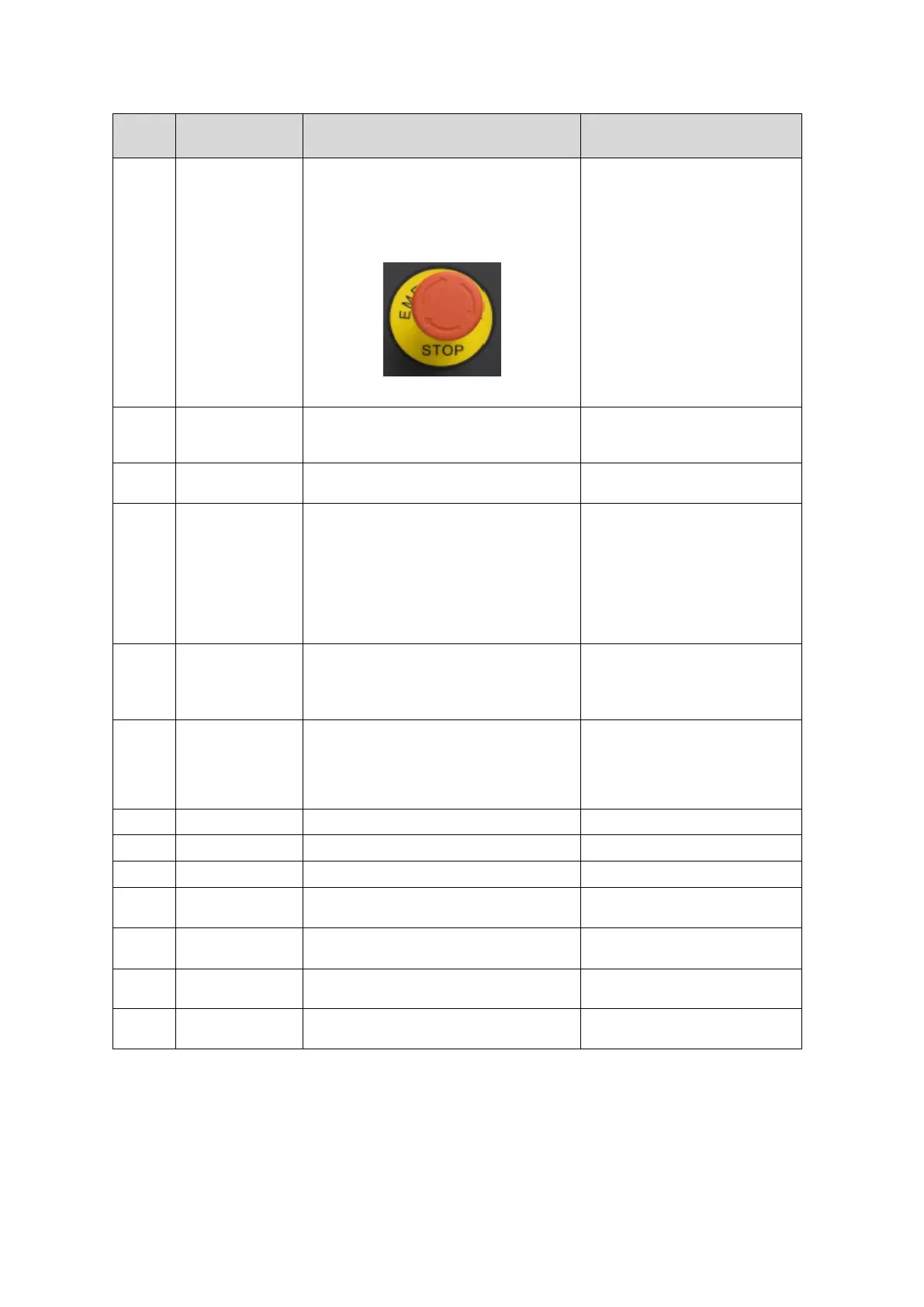
In case of emergency, when the device needs
to be stopped, press this button and the device
will immediately cut off the power
connection.
Recovery: After troubleshooting,
turn the button 45° clockwise, the
switch will automatically lift and
return to normal use.
Tip: The device cannot be turned on
after the emergency stop switch is
pressed. Please turn the emergency
stop switch back to normal and then
turn it on.
Note: Pneumatic components are
not affected by the emergency stop
control switch.
Lateral movement of the support carriage
assembly.
Make sure that the balance beam
has no foreign objects and keep the
rails clean.
For printing operations, equipped with nozzles
and other internal components.
Do not touch the nozzle carriage
during printing
The material is printed on the platform by
suction adsorption.
Please make sure that the material is
flat on the platform when printing.
Please adjust the height of the
nozzle carriage to print thick
material. Please do not place objects
not related to the material on the
suction platform.
Nozzle cleaning position.
The nozzle can only be cleaned in
the cleaning position.
Please confirm that the blade is
clean and dry before cleaning.
Moisturizing head
position
When the equipment stops working or shuts
down, it can moisturize the nozzle and prevent
the nozzle from drying.
Before moisturizing the nozzle,
please confirm whether the
moisturizing liquid is added to the
moisturizing disc (you can use
cleaning liquid or deionized water).
Main interface for machine control
Adjustment of the material’s tension
Adjustment of the material’s tension
Increase the contact surface between the
spindle and the media
Used for assembly of the entire roll of
material to prevent material slippage



 To Next Page