Model X High Speed Sublimation printer
57
Figure 7-2
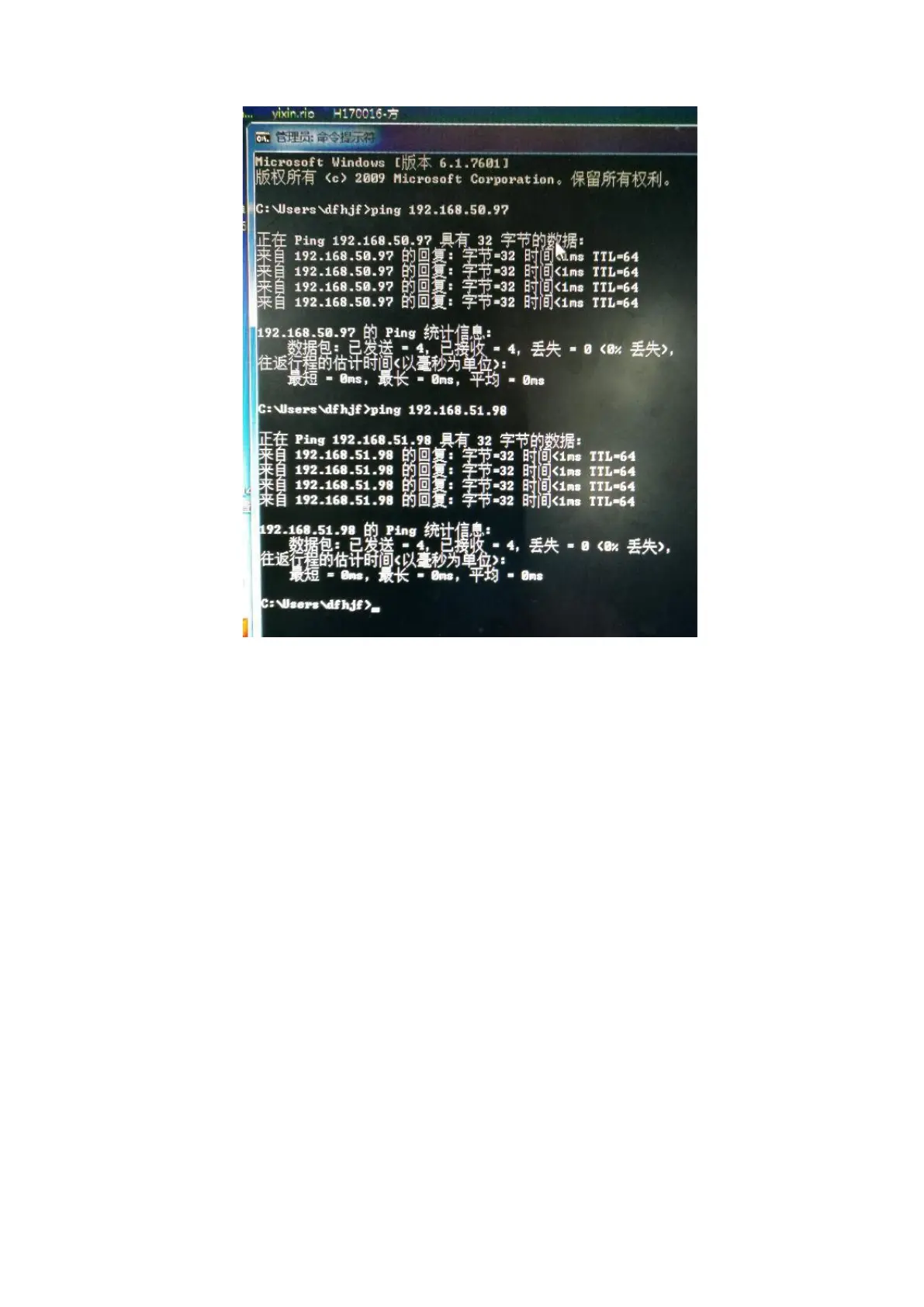
4. check the computer system, or reinstall the software
7.2 Ink supply error
(1) Fault code: error04
(2) Troubleshooting method:
1. Press the reset button on the ink supply status of the touch screen to observe the ink supply condition and
see if it will report an error.
2. Check if the ink tube in the drag chain is damaged or leaking ink, and whether the individual pipe joints
are loose or leaking ink.
3. Check if the peristaltic pump is working properly and if the rubber tube is damaged.
4. Check if the filter is blocked.
5. Observe whether the float in the secondary ink bottle is sucked at the top. Use a multimeter to check if the
float is normal and whether the power supply on the adapter plate is normal (DC 24V).



 To Next Page