Model X High Speed Sublimation printer
45
4.3 Pause/cancel a printing operation
a. Severe Software Control
b. Soft panel control
a. Severe Software Control
b. Soft panel control
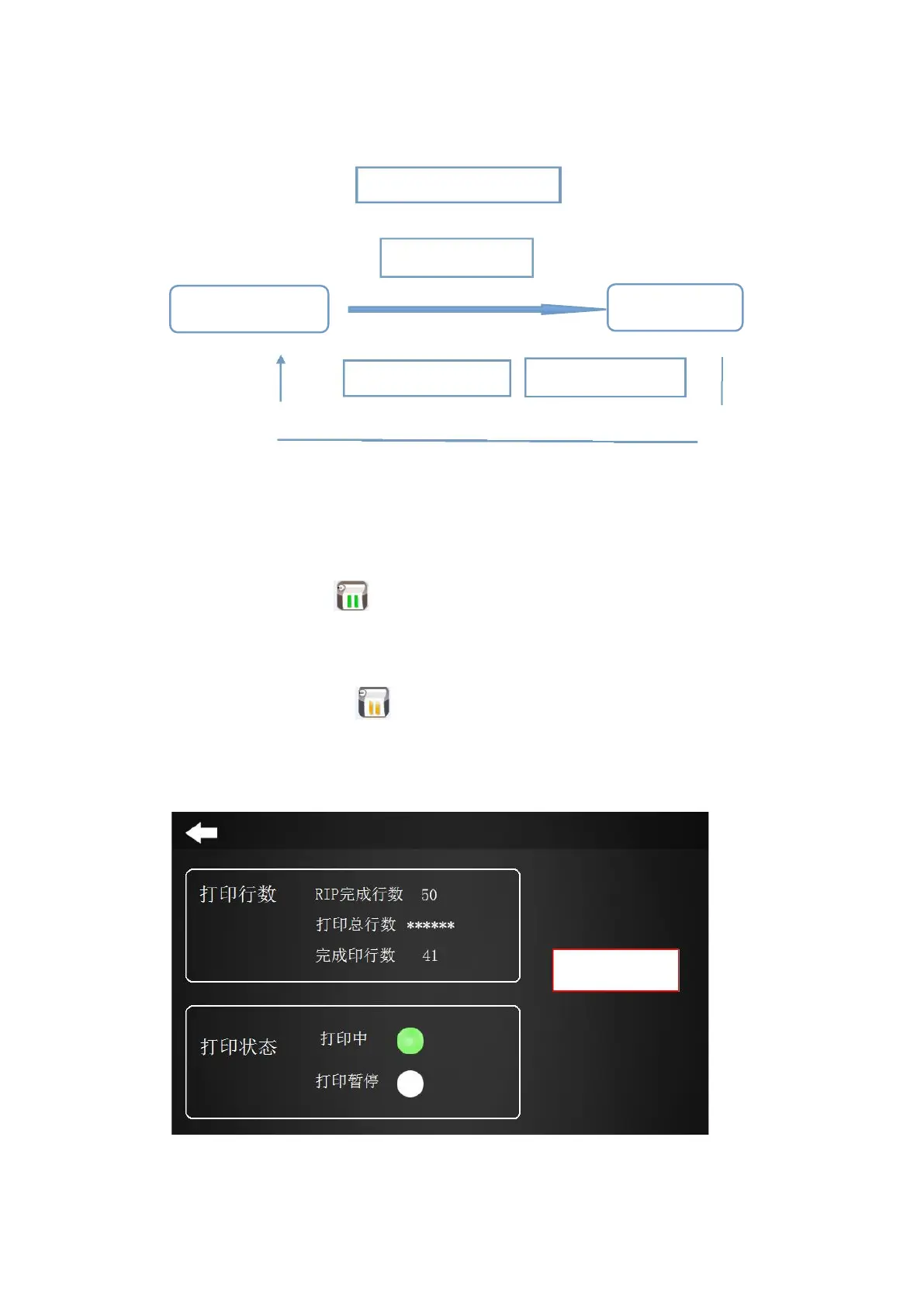
Figure 4-22 Flowchart
(1) Pause print job: Pause the printing of one job, the nozzle cleaning operation can be performed, and
then the print operation can be continued.。
Pause print jobs can be controlled via Severe software, soft panel:
a. Click the Pause Print icon in the Server software to pause the operation.
b. Tap the “Print Pause” on the touch screen to pause the operation and clean the nozzle.
(2) Continue the print operation: continue printing can be controlled by Severe software, soft panel:
a. Click the Continue Print icon in the Server software to continue the operation;
b. Tap “Print Continue” on the touch screen to continue printing the operation that has not been
completed.
Figure 4-23 Pausing the print operation



 To Next Page