Model X High Speed Sublimation printer
61
(3) Troubleshooting method
1. Whether the height of the nozzle is suitable and adjusted in time (the optimal height of the
medium from the surface of the nozzle is 3mm).
2. Handle the sanitary work all around the nozzle in time (the dirt on the nozzle will cause
dripping).
3. The total intake air pressure is unstable, and there is more water and oil in the pipeline, which
causes the negative pressure to be unstable and the fluctuation is too large.
4. The negative pressure of the machine is too low, causing the ink to hang on the surface of the
nozzle.
5. Caused by the nozzle itself (the nozzle is aging, the surface is scratched).
7.10 Bad print status phenomenon and countermeasures
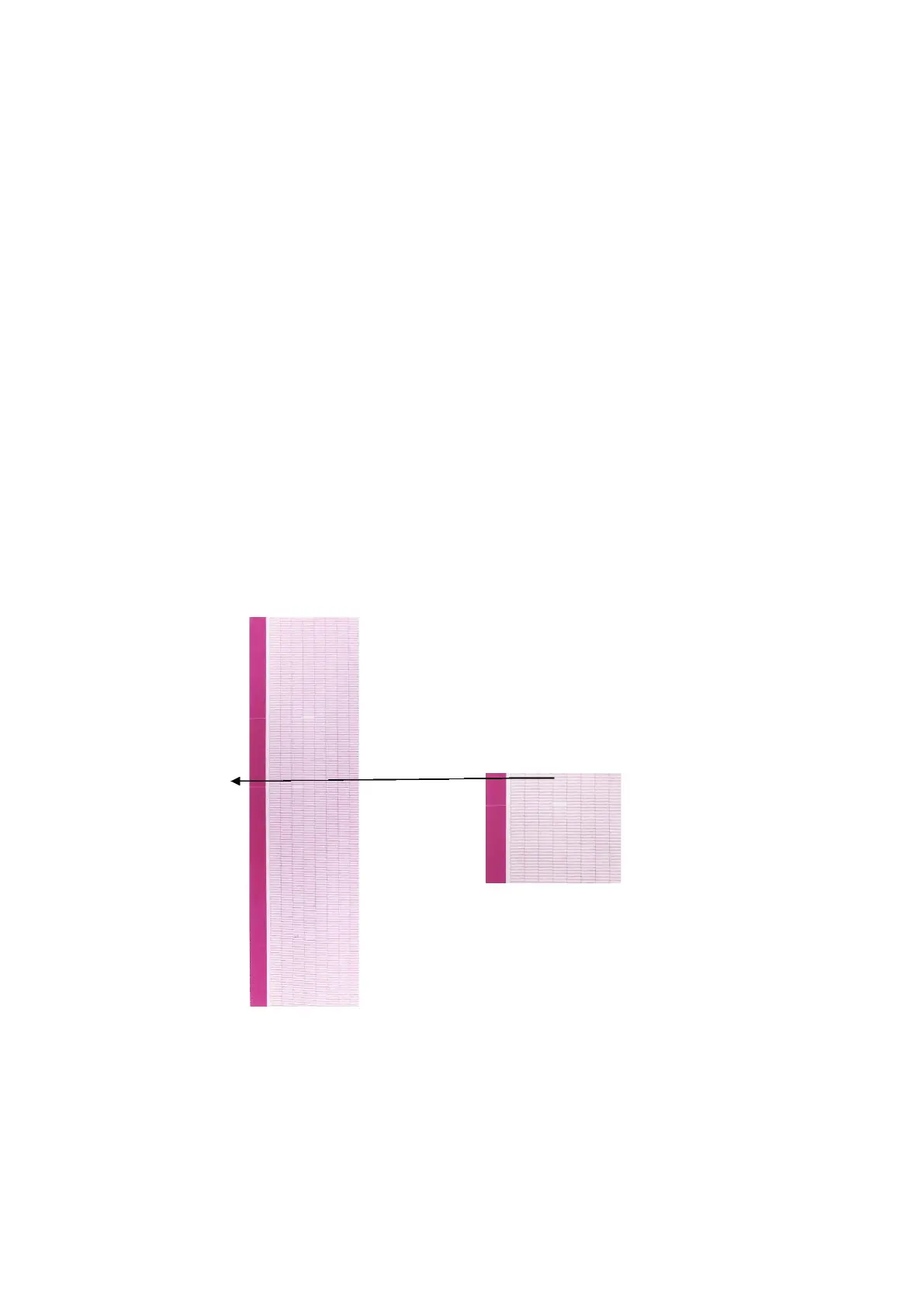
7.10.1 Ink off(head clogged)
(1) Phenomenon: A specific nozzle cannot print at all.
Figure 7-7



 To Next Page