Model X High Speed Sublimation printer
63
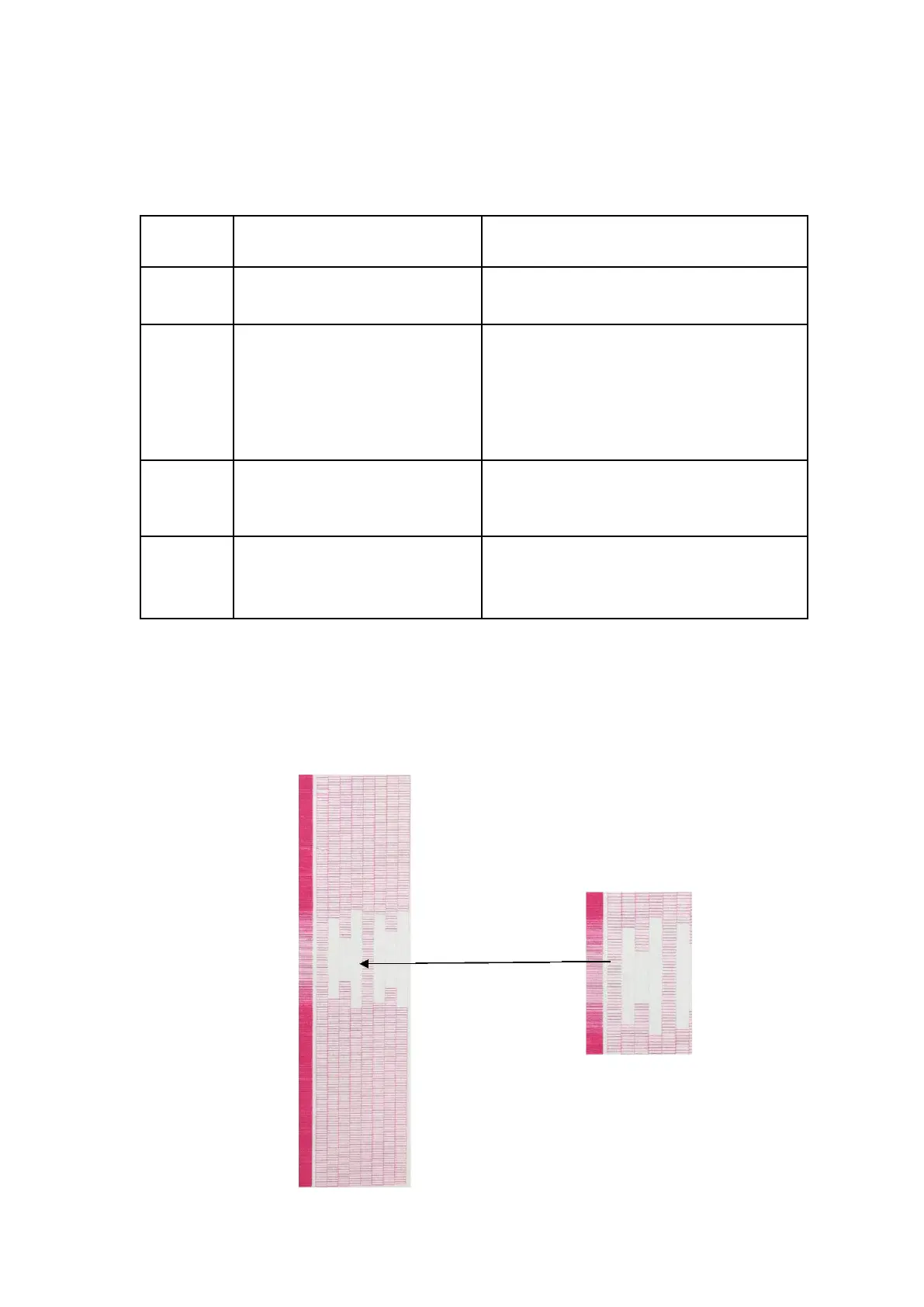
Figure 7-8
Re-clean the nozzle and discharge the air
The nozzle is slightly blocked
Use ink and cleaning solution to repeatedly clean
the nozzle, and wipe the surface of the nozzle
with wet dust-free paper to clean the blade.
Nozzle voltage problem or nozzle
waveform mismatch
Change the nozzle voltage and waveform
Problem coming from the ink (using
expired ink)
Regularly check the ink stock and contact
engineer in time
7.10.3 Clogging ink
(1)Phenomenon: There are many nozzles that cannot print at all.



 To Next Page