Model X High Speed Sublimation printer
36
Chapter 4 RIP Software Operation
4.1 RIP Introduction
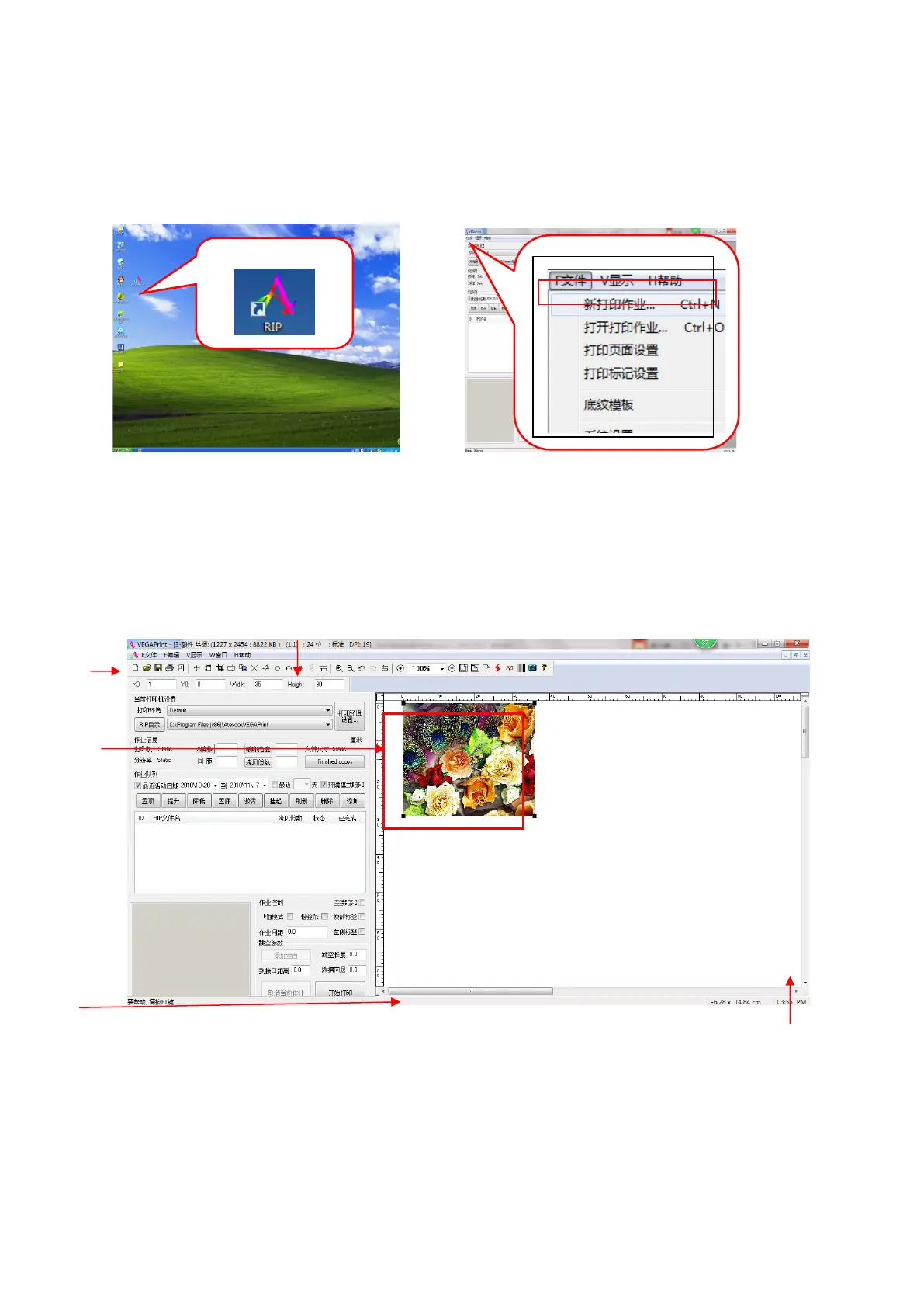
Double-click to open the desktop VEGAPrint RIP software, the following dialog box pops up:
图
4-1
打开
RIP
Left click on "File" in the menu bar to open "New Printing Operation" to create a new blank job surface. As
shown below:
The VEGA RIP program window contains the following sections:
Figure 4-2 Creating a new print operation



 To Next Page