Model X High Speed Sublimation printer
26
2.6 View the alarms
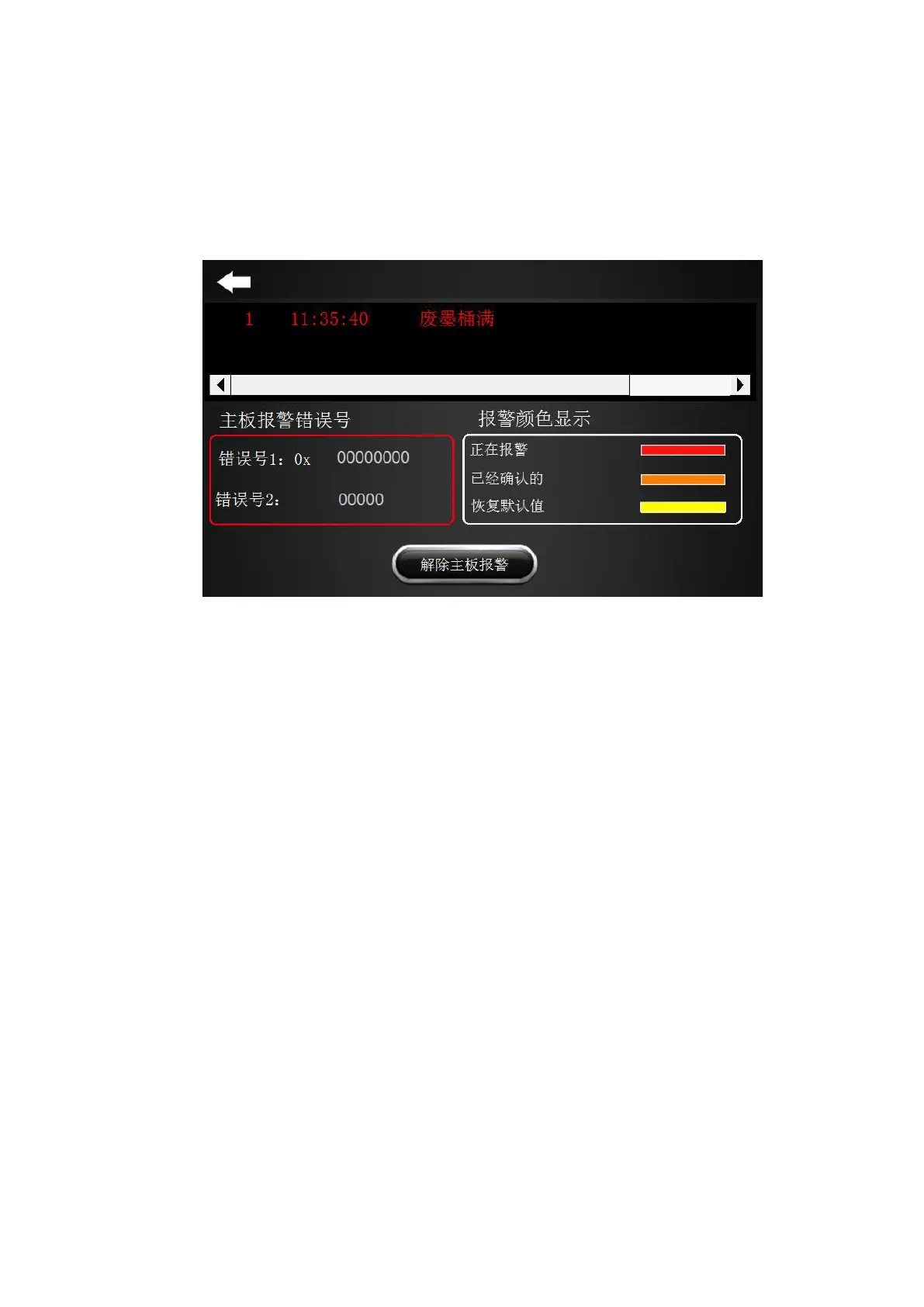
The display is as shown in Figure 2-10. The red color is an alarming situation, orange indicates that
it has been confirmed, and yellow indicates the return to default value.
To release the mainboard alarm: Click the button to release the mainboard alarm.
Figure 2-10 Alarm checking



 To Next Page