Model X High Speed Sublimation printer
49
Figure 5-2
Figure 5-3
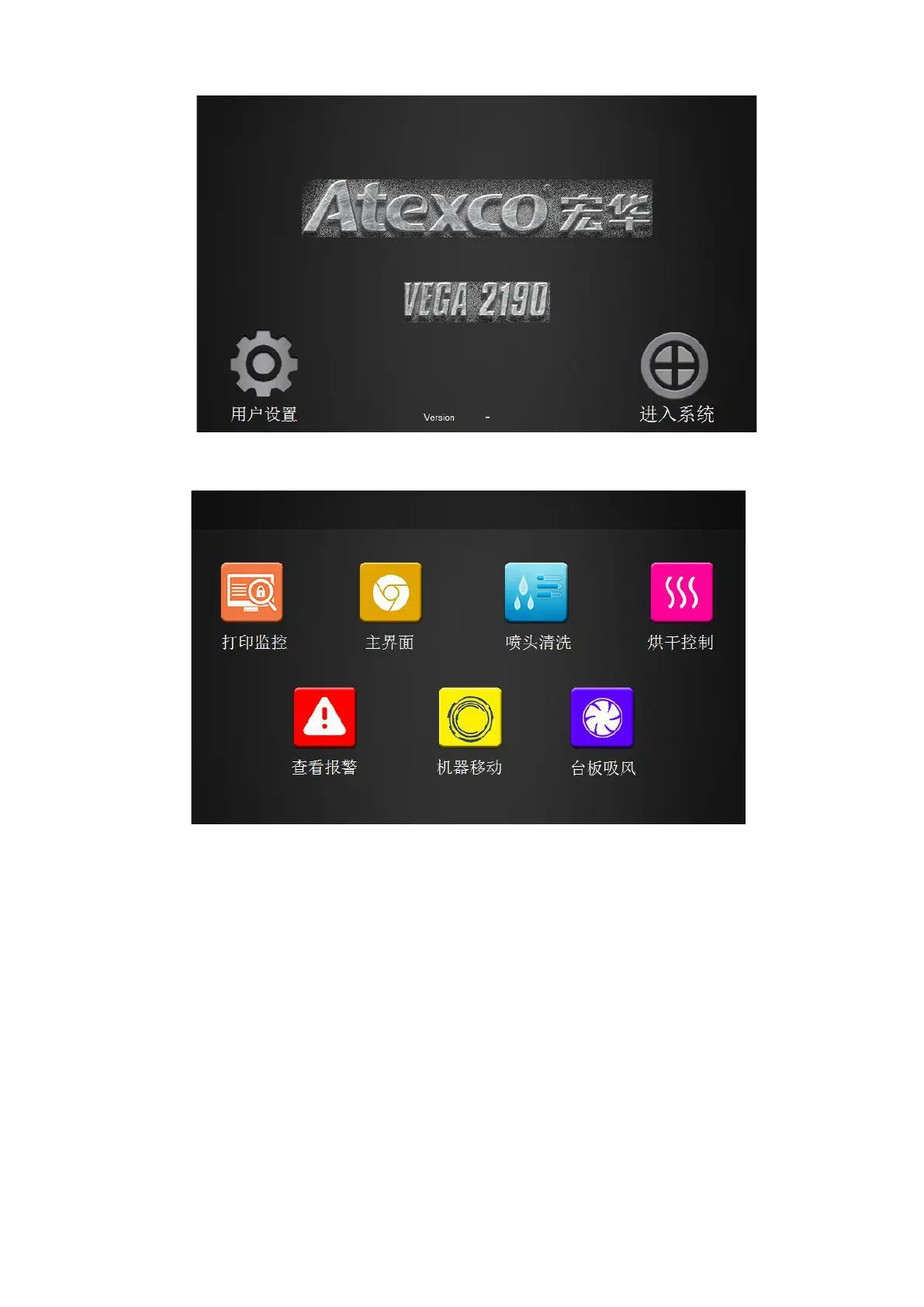
(1) Click the “head cleaning” option in the function interface (Chapter 3 “head cleaning”) to enter the
nozzle cleaning interface as shown in Figure 3-3. In this interface, click the weak pressure / medium
pressure / strong pressure to clean the nozzle.
(2) Open the Server software and open the test strip.
5.2.4 Print test strip
A. Turn on the computer, press the power button on the host computer, and wait for the host to boot (make
sure the dongle is inserted).



 To Next Page