Model X High Speed Sublimation printer
51
The printhead is moved to the cleaning position after printing is complete. If the test strip is printed, there
are many broken holes and the printing requirements are not met.
Repeat the steps to clean the printhead and print the test strip until the printhead is in good condition.
Warning: Do not touch the moving head holder and the guide band.
5.3 Paper operation
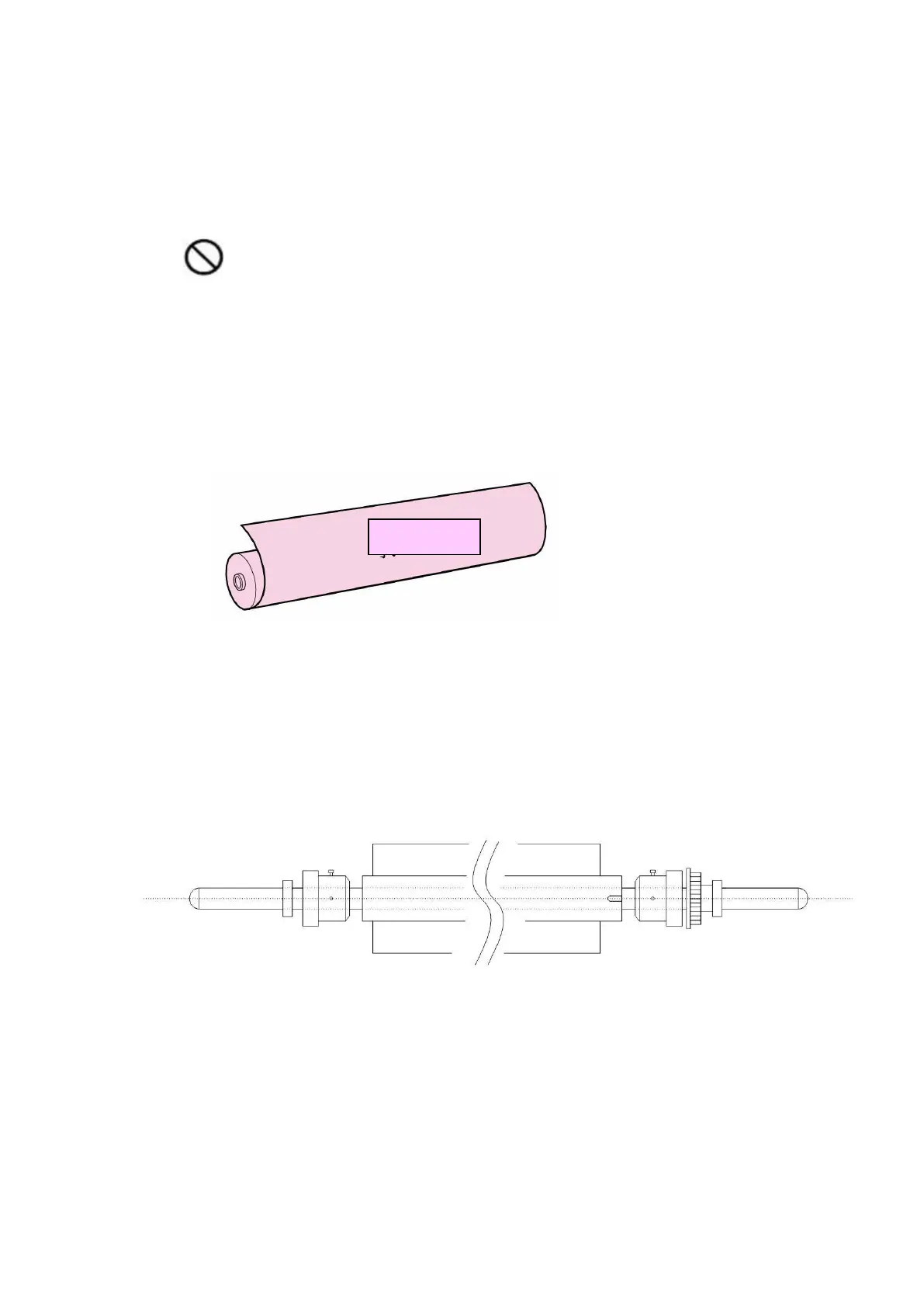
5.3.1 Confirm the front and the back of the paper
Figure 5-6 Printed surface of the material
5.3.2 Printing paper assembly
(1) Insert the printing paper into the unwinding lever (air expansion roller) and pump it to fix the
paper.
Figure 5-7 Automatic unwinding



 To Next Page