Model X High Speed Sublimation printer
28
Click this option to move the
carriage to the cleaning position.
a. When the nozzle carriage
is in any position, click the
“Move to cleaning position”
option to automatically move
the nozzle carriage to the
cleaning position.
b. Please do not perform
other operations on the
machine while the nozzle
carriage is moving.
After clicking this option, the nozzle
holder will move to the left.
This operation is jog mode.
After clicking this option, the nozzle
holder will move to the right.
This operation is jog mode.
After clicking this option, the tape
will move forward.
The belt is moving forward
during the printing operation.
This operation is jog mode.
After clicking this option, the tape
will move backwards
The belt is moving forward
during the printing operation.
This operation is jog mode.
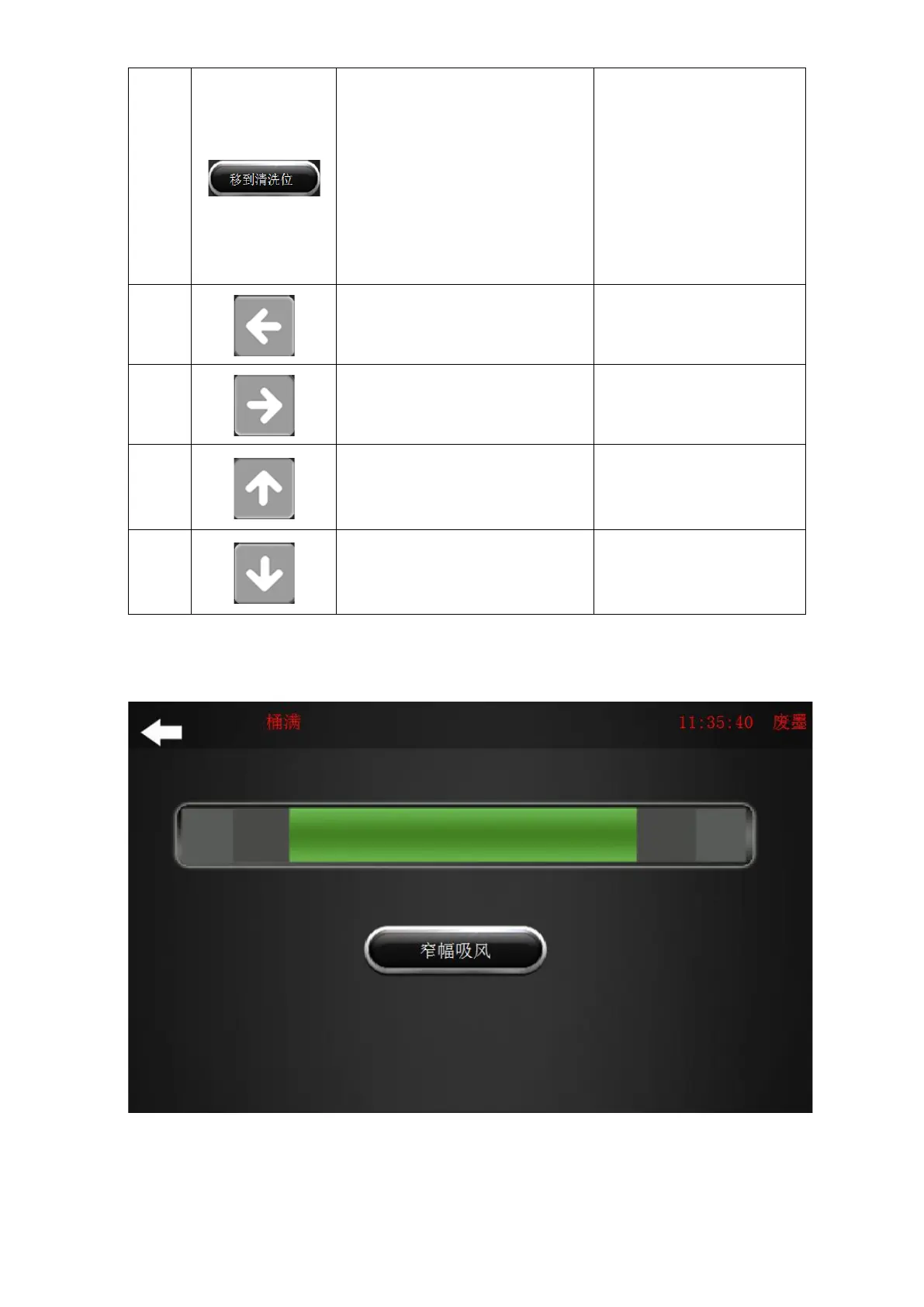
2.8 “Platen suction” menu
Figure 2-10 Platen suction
Narrow suction: For material up to 1.5m, it is the default mode.
Wide suction: Suitable for material up to 1.8m.



 To Next Page