Model X High Speed Sublimation printer
21
2.2 “Print monitor” menu
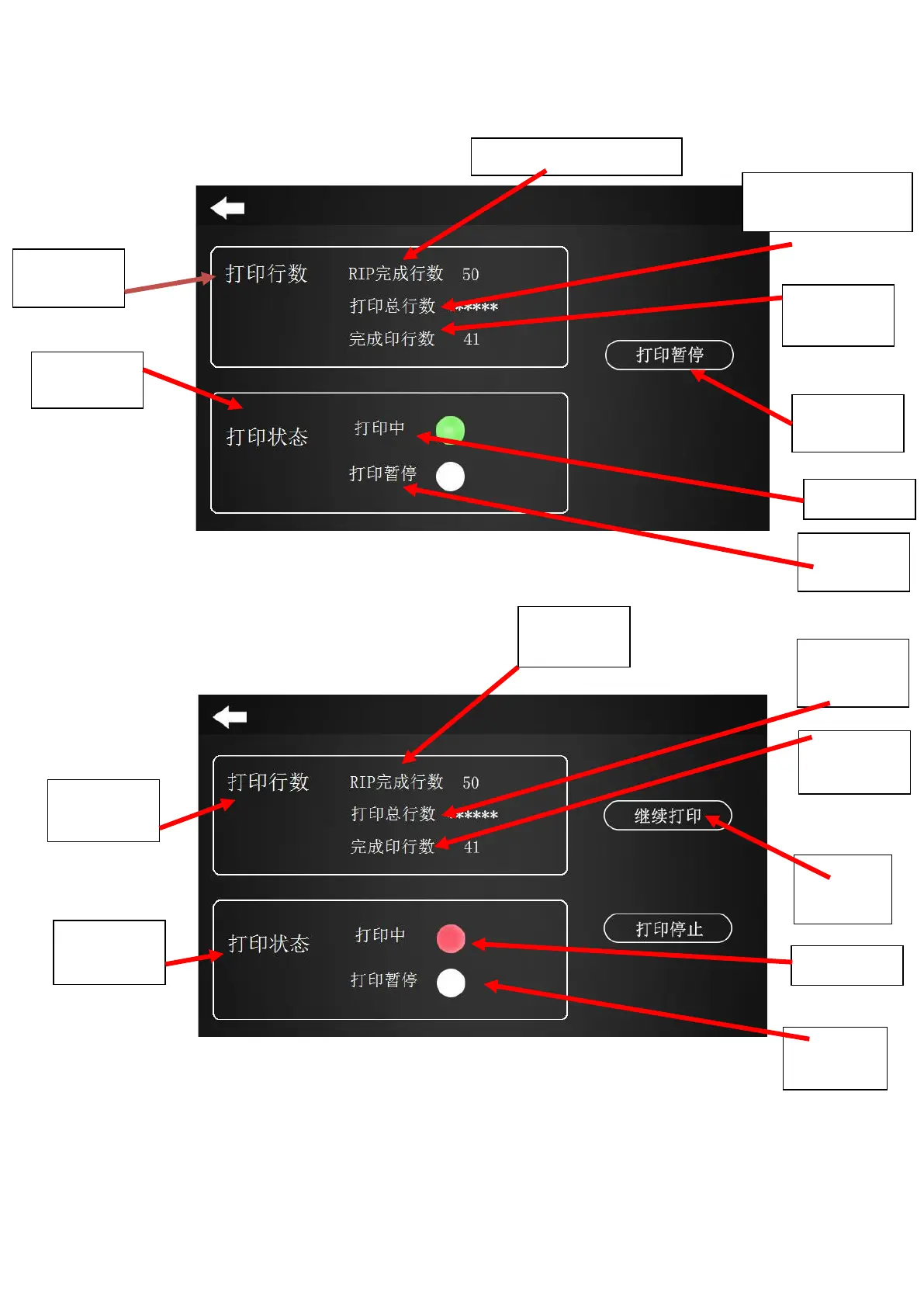
Figure 2-5 Printing in progress
Figure 2-5 Printing on pause
(1) "Printing on pause" option: If you find a nozzle plug or a problem with the material during
printing, you can click this button and the machine will pause the printing.
Tip: The nozzle can be cleaned in the pause state.
(2) "Resume the printing" option: Click this button to continue the machine from the interruption.
(3) "Stop the printing" option: Click this button to cancel the printing and the machine stops printing.
(4) The figure 2.5 indicates the states of the light:
Total lines to be
printed
Total lines to
be printed



 To Next Page