Model X High Speed Sublimation printer
20
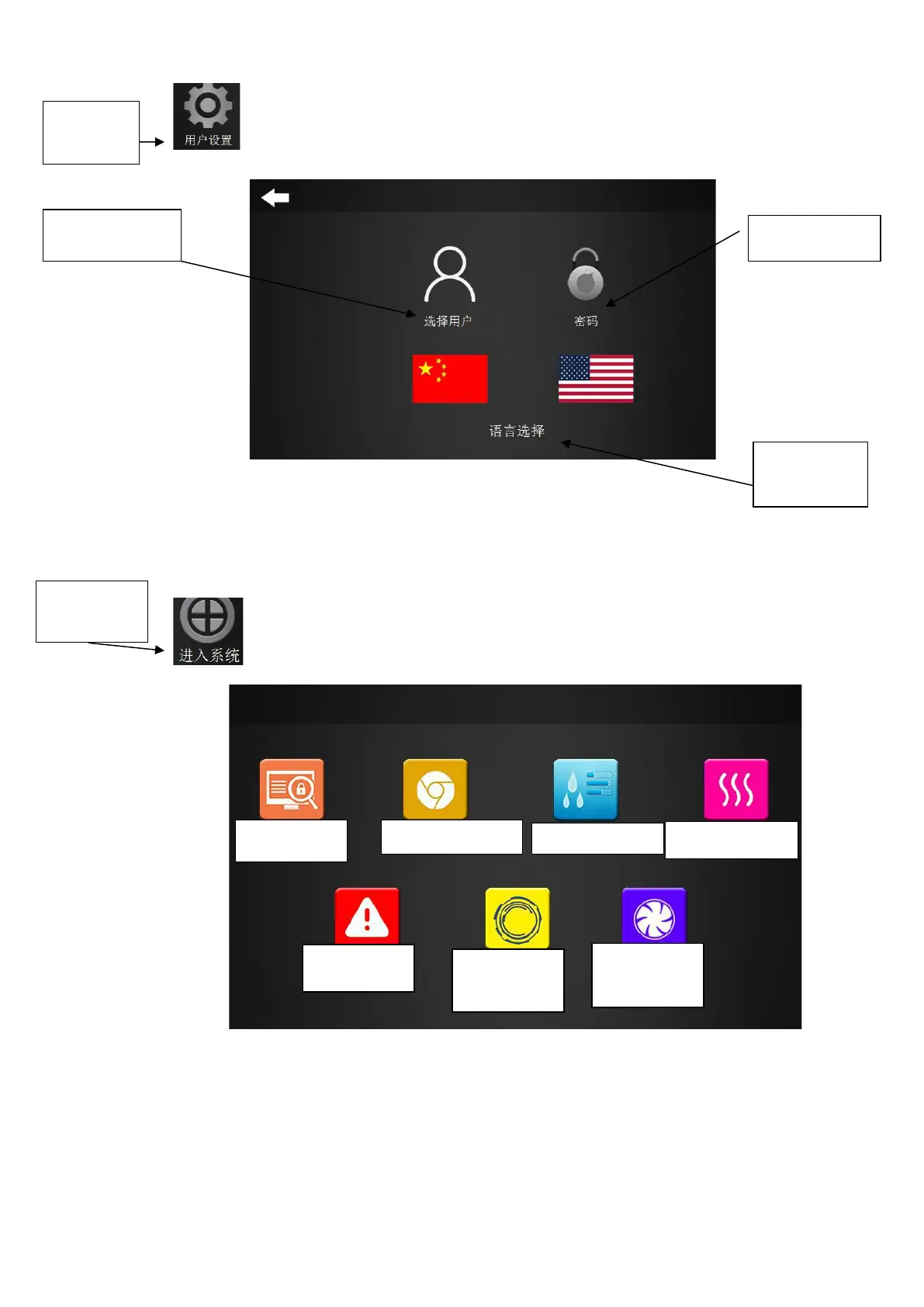
"User settings" option, click this option to enter the interface as shown in Figure 2-3.
Figure 2-3 User Settings
Language selection: the user can switch between Chinese and English languages;
Select user: enter the corresponding password to enter the engineer mode (not recommended
for customers).
“Enter System” option: click this button to enter the interface as shown in Figure 2-4.
Figure 2-4 Enter the system
The interface includes the “Print monitor”, “Main interface”, “Nozzle cleaning”, “Drying
control”, “View alarm”, “Machine movement”, “Platen suction” menus.



 To Next Page