Model X High Speed Sublimation printer
34
3.2.3 Alarm settings
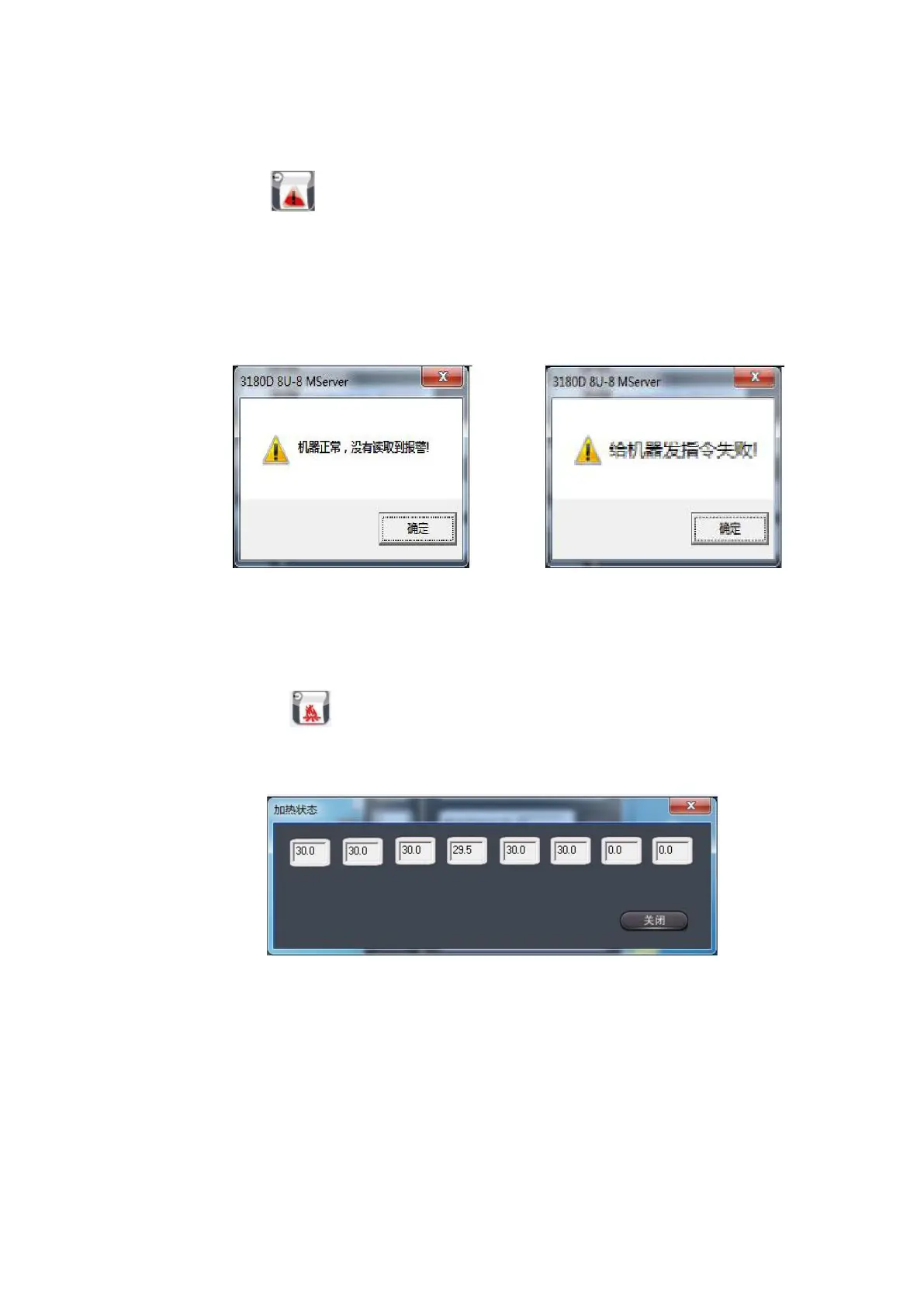
Left-click the icon and a dialog box will pop up on the main interface of the soft panel to
display related information. When the machine is in a normal state, the dialog box is shown in
Figure 3-5-1. In an abnormal state, the dialog box is shown in Figure 3-5-2.
Figure 3-5-1 Figure 3-5-2
3.2.4 Heating state
Left-click on the icon to select the heating status button, the following dialog box pops
up:
Figure 3-6 Software heating status
The function of this window allows the user to view the setting of the nozzle heating state.
3.3 Printing start position setting and machine movement setting



 To Next Page