Model X High Speed Sublimation printer
37
4.2
Printing process
Print job flow chart:
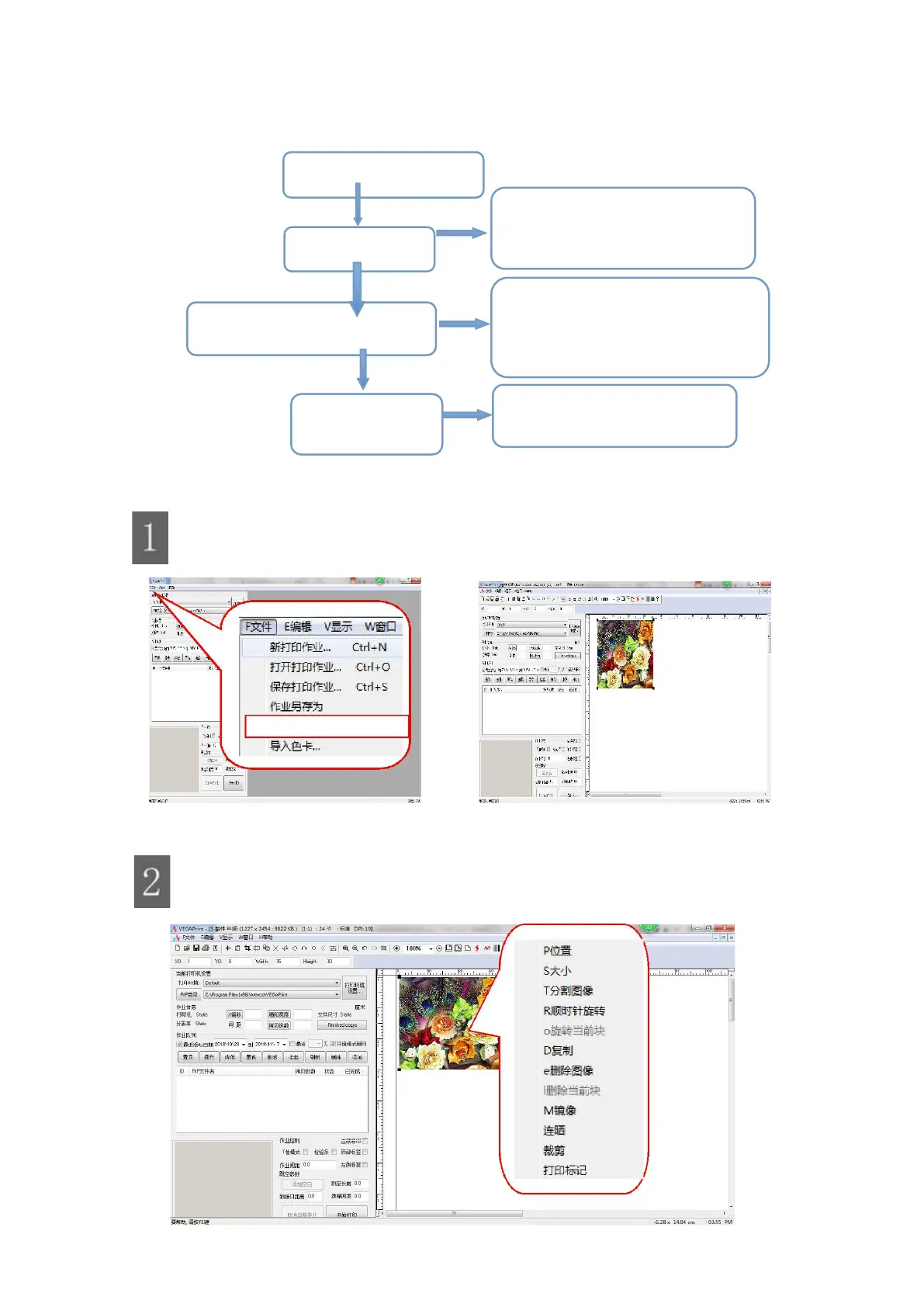
Figure 4-3 Printing operation flow chart 4-3
Import image file
Import images: Left-click on "Import image files" in "File".
Figure 4-4 Importing picture
Edit image
Move the mouse to the image and right click to bring up the edit menu.
Figure 4-5 Editing the job
Ⅲ Setting the print parameters
1. ICC curve setting
2. Channel settings
3. Density curve call
4. Single bidirectional settings
5. Pass number setting
1. Zoom
2. Drag the picture
3. Picture-repeat
4. Picture cropping
1. Direct output printing
2. RIP file printing



 To Next Page