Model X High Speed Sublimation printer
38
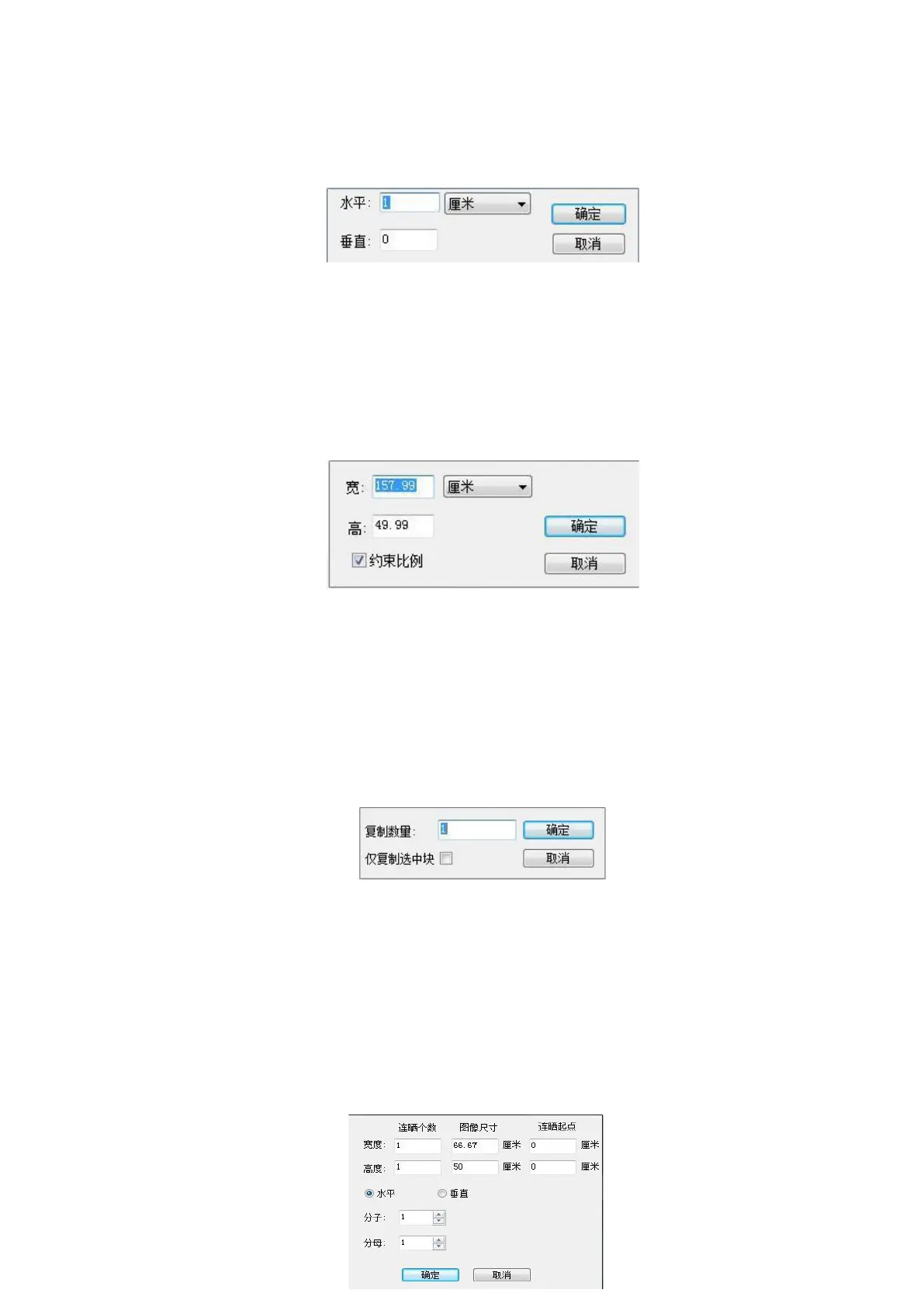
①Position: Left click to pop up the following dialog box to enter horizontal and vertical
positions in horizontal and vertical. This allows accurate positioning of the image.
Figure 4-6 Position
②Size: To accurately change the size of an image with numbers, first select the image you want to
change, then click the size in the toolbar to enter the size you want to change in the following dialog. To
scale proportionally, select Constrain Proportions. If you want to scale disproportionately, do not select
Constrain Proportions.
Figure 4-7 Image size
③%Rotate clockwise: Rotating the image 90 degrees is useful for saving material and avoiding image
tiling.
④ Copy: Select the image and click “Copy”, the image is juxtaposed on the position of the original
image.
Figure 4-8 Copy
⑤%Delete image: Select the image with the left mouse button and click “Delete Image” to delete the
selected image.
⑥ Mirroring: Mainly mirroring the selected image, the image can be mirrored with a left mouse click,
but this image can only mirror the image one by one.
⑦ Step-and-repeat : mainly for the selected image to be exposed to the sun, the left mouse button
clicks " Step-and-repeat " to appear the following dialog box:



 To Next Page